
Finding the right audio platform can change the way you create and share sound. New tools appear each year and each one promises something unique. Some focus on simple interfaces while others highlight advanced features or clever integrations. With so much choice it can be hard to see what really fits your needs. Curious what options might surprise you this year and how they stand out from the crowd
Table of Contents
AubioMix
At a Glance
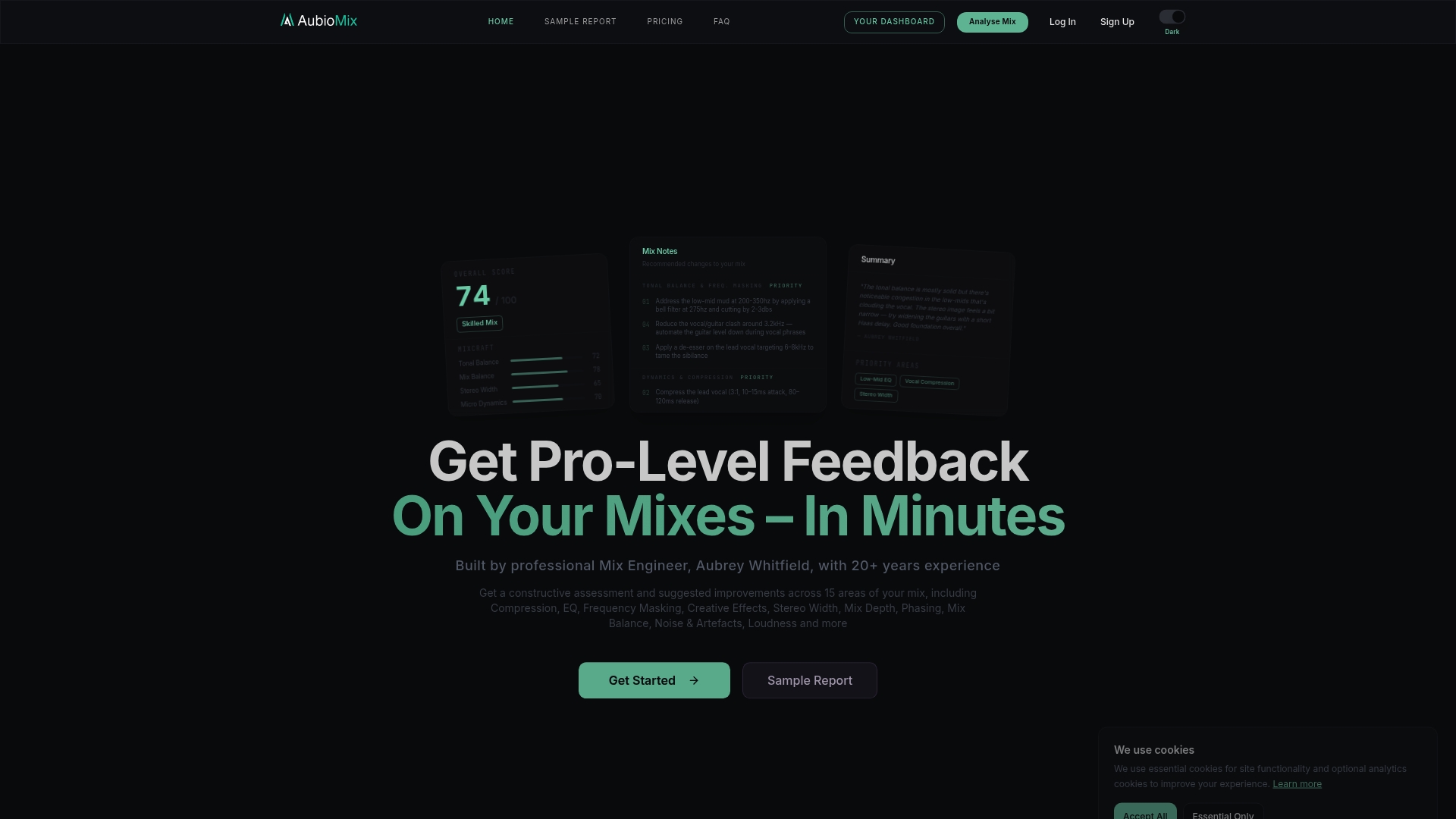
AubioMix is the clear winner for producers and mix engineers seeking professional, actionable mix feedback at scale. Its assessment workflow and expert-backed reports set a top-tier standard that other services aim to match.
Core Features
AubioMix delivers in-depth mix analysis that assesses 15 plus areas such as EQ, compression and stereo imaging while providing visual reports with scores and step‑by‑step recommendations. It accepts WAV and MP3 files up to 70MB and includes guided upload and tracking tools, plus personalised feedback from an experienced mix engineer.
Pros
- Professional-level feedback: The reports read like a seasoned engineer listened and wrote precise, actionable notes for each mix.
- Identifies specific mix issues: The analysis highlights frequency balance, dynamics and stereo width with clear suggested fixes you can apply in your DAW.
- Revision tracking: You can compare versions to see progress over time and confirm the impact of each change.
- Exportable PDF reports: Downloadable summaries make sharing with collaborators or tutors straightforward and professional.
- Expert-built system: The service is developed by Aubrey Whitfield, which means the guidance reflects real studio experience.
Who It's For
AubioMix suits musicians, emerging producers and intermediate mix engineers who want a professional second opinion that improves their workflow. It also helps music students and educators who need a teachable, repeatable way to measure mix improvements.
Unique Value Proposition
AubioMix stands apart because it combines professional engineering insight with a repeatable, visual scoring system that teaches as it evaluates. The reports do not merely flag problems; they prioritise issues and offer concrete, sequential steps for correction. Smart buyers choose AubioMix because it reduces guesswork, shortens revision cycles and creates measurable improvement paths. The expert input from Aubrey Whitfield gives the feedback credibility that automated tools lack, while the guided upload and tracking system turns feedback into a learning loop you can follow session by session. Privacy concerns around uploading stems are addressed as an intentional trade off for receiving professional-grade analysis rather than generic automated flags.
Real World Use Case
A music producer uploads a rough vocal and instrumental mix, receives a detailed report on EQ, compression and stereo width, then revises the project based on the recommendations. They reupload the new mix to compare scores, confirm better balance, and export a PDF to share with the mastering engineer.
Pricing
Pricing is not specified in the provided content and likely varies by analysis type or subscription plan. Interested users should consult the website for current options and any pay‑per‑analysis or subscription tiers.
Website: https://aubiomix.com
Stacktune
At a Glance
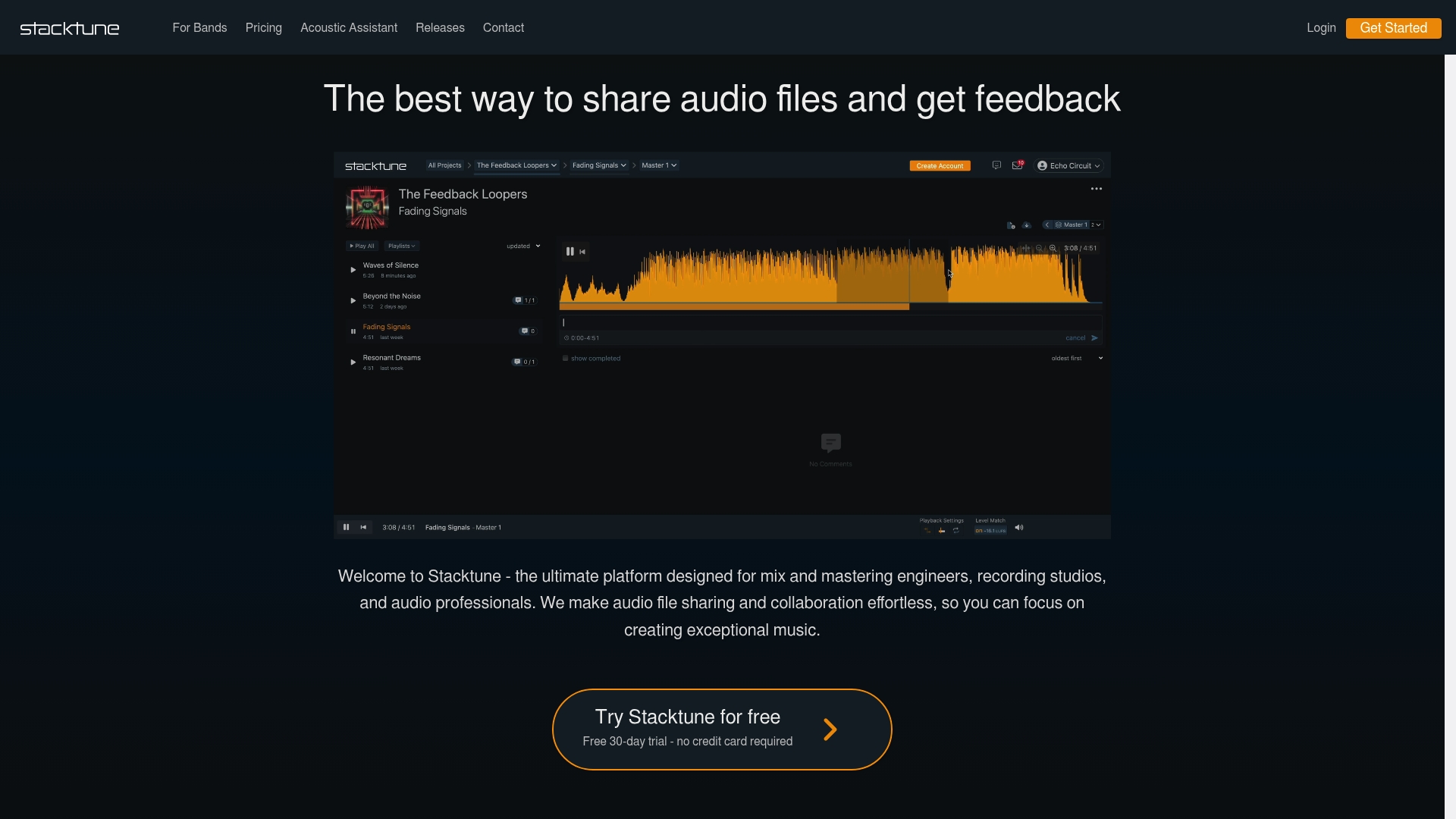
Stacktune is a focused audio collaboration platform that helps professional engineers and studios share files, gather detailed feedback and compare versions quickly. It prioritises secure sharing and speed so teams spend less time on logistics and more on the sound.
Core Features
Stacktune offers seamless audio file sharing, secure links and fast uploads to move large sessions without friction. It supports timestamped comments, version comparison and level match and auto align tools to make feedback precise and actionable.
The platform also provides project organisation, flexible collaboration controls and custom permissions so you can manage access across multiple projects and collaborators.
Pros
-
Streamlines audio collaboration: Stacktune reduces back and forth by centralising uploads, feedback and version history in one place so communication stays clear.
-
Secure and organised file sharing: The platform uses secure sharing and organised project folders to keep session files private and easy to locate for team members and clients.
-
Provides detailed, time-stamped feedback: Time-stamped comments let you point to exact moments in a mix which speeds up revisions and removes guesswork from client notes.
-
Audio version comparison and alignment tools: Version comparison and auto align features let you audition different mixes side by side and match levels for fair A B listening.
-
Flexible permissions and collaboration controls: Custom permissions and easy invites give you control over who can edit, comment or download which protects unfinished work.
-
Supports unlimited collaborators: You can add as many contributors as needed which is handy for studios working with session musicians and external engineers.
Cons
-
Requires a modern browser for optimal functionality which may frustrate users on older systems or restrictive corporate machines.
-
Pricing may be a barrier for some users because there is no free plan and all tiers are paid plans.
-
Focus primarily on professional users, which means hobbyists looking for a free, simple feedback tool may find the feature set more than they need.
Who It's For
Stacktune suits professional audio engineers, recording studios, producers and serious musicians who need efficient, secure tools for sharing, feedback and project management. If you work on multiple client projects or collaborate with external contributors this platform fits your workflow.
Unique Value Proposition
Stacktune brings focused tools that are built around practical studio workflows: precise timestamped feedback, version comparison and level matching. That combination speeds revisions and improves client communication where clarity and security matter.
Real World Use Case
A mixing engineer uploads session stems to Stacktune, invites a client and producers, then collects time-stamped notes on three alternate mixes. The engineer uses the version comparison and auto align tools to quickly identify differences and deliver a matched final revision.
Pricing
Stacktune offers several plans including Starter (€7 per month), Bustling (€12 per month) and Pro (€20 per month). Options for single project purchase and discounts for bands and musicians are available. All plans include unlimited collaborators and core features.
Website: https://stacktune.com
MixPitch
At a Glance
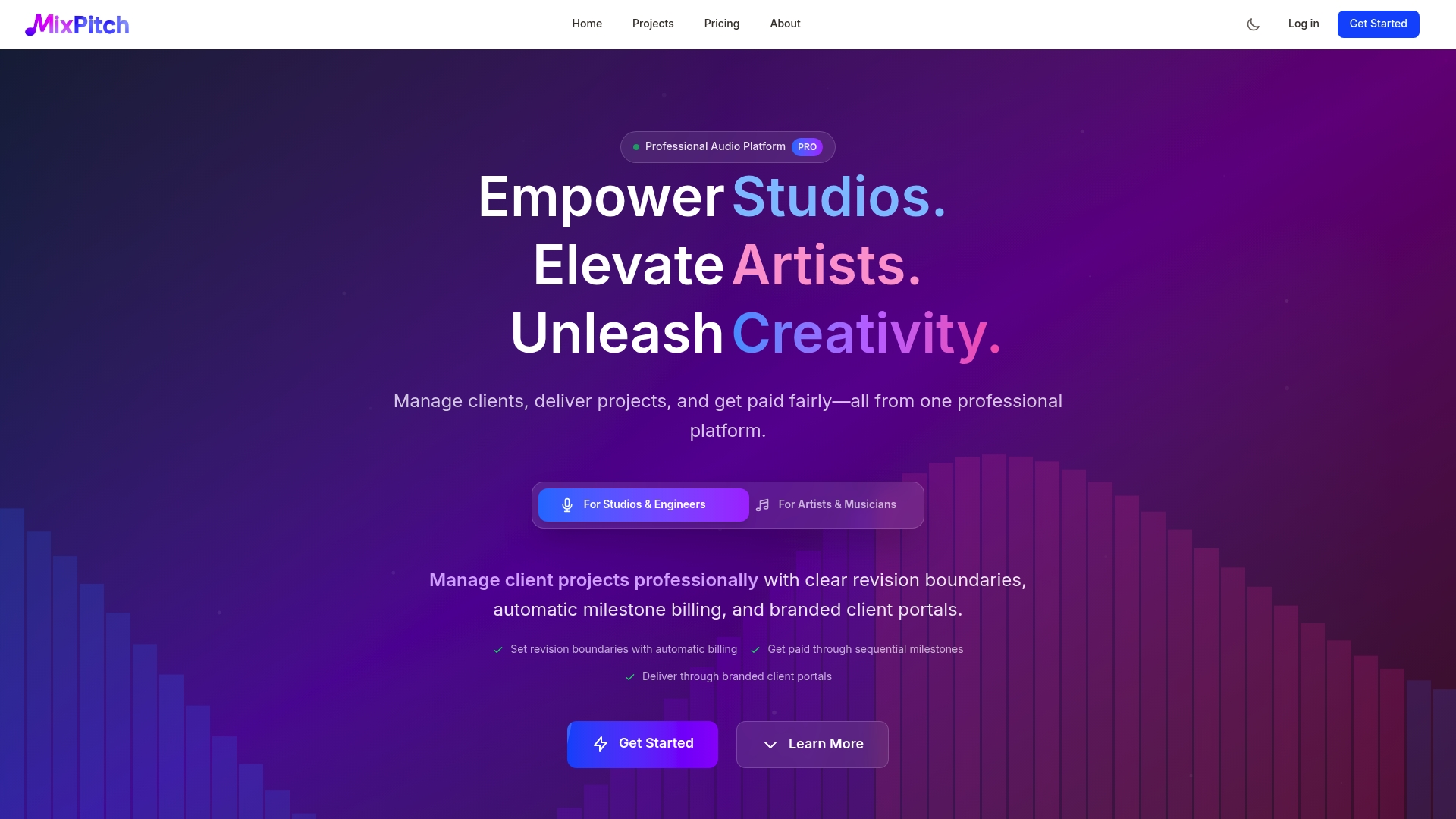
MixPitch is a professional audio platform built to help studios, engineers and artists manage client work and payments with minimal fuss. Its workflow tools reduce admin overhead so you spend more time mixing and less time chasing revisions.
Core Features
MixPitch combines client project management, branded client portals and time stamped audio feedback to keep projects organised from first take to final master. The platform also offers bulk version upload and automatic watermarking for secure file handling.
- Client project management with revision policies and milestone payments
- Branded client portals where clients do not need an account to review
- Time stamped audio feedback with threaded conversations for precise notes
- Bulk version upload with history tracking for every iteration
- Automatic watermarking to protect files until payment is received
Pros
-
Comprehensive project tools: The platform provides structured project pages, revision rules and milestone billing that match professional studio workflows.
-
Smooth client experience: Clients can review mixes through a branded portal without creating an account, which reduces friction and speeds approvals.
-
Automated billing for revisions: Revision policies tie directly into billing so additional rounds trigger payments automatically, saving you invoicing time.
-
File protection until paid: Automatic watermarking deters unauthorised downloads and protects intellectual property during review stages.
-
Flexible payment options: MixPitch supports mainstream payment gateways such as Stripe and PayPal for straightforward payments.
Cons
-
The platform may feel complex for very small or casual users who only need simple file sharing and not full project management.
-
Pricing information requires an account to view in full, which means you may need a trial or signup to assess value before committing.
-
The service targets professional and semi professional users, so hobbyists may find the feature set excessive for their needs.
Who It's For
MixPitch suits audio professionals, studios, engineers and serious artists who need an organised, branded way to manage clients and deliver mixes. If you run a mixing or mastering service and want to reduce admin, this is aimed at you.
Unique Value Proposition
MixPitch stands out by combining project administration with client facing presentation in one platform so you do not juggle multiple tools. The link between revision policies and automated billing makes payment flows predictable for both you and your clients.
Real World Use Case
A mixing studio creates branded portals for each client, sets a two revision policy, and attaches milestone payments to the job. The team receives time stamped feedback on mixes, uploads new versions in bulk and releases final masters once payment clears.
Pricing
A free plan is available for basic use; paid plans start at £6.99 per month for Pro Artist and £9.99 per month for Pro Engineer with additional features and storage. Check the site for current plan details and any regional pricing variations.
Website: https://www.mixpitch.com
RoEx Audio
At a Glance
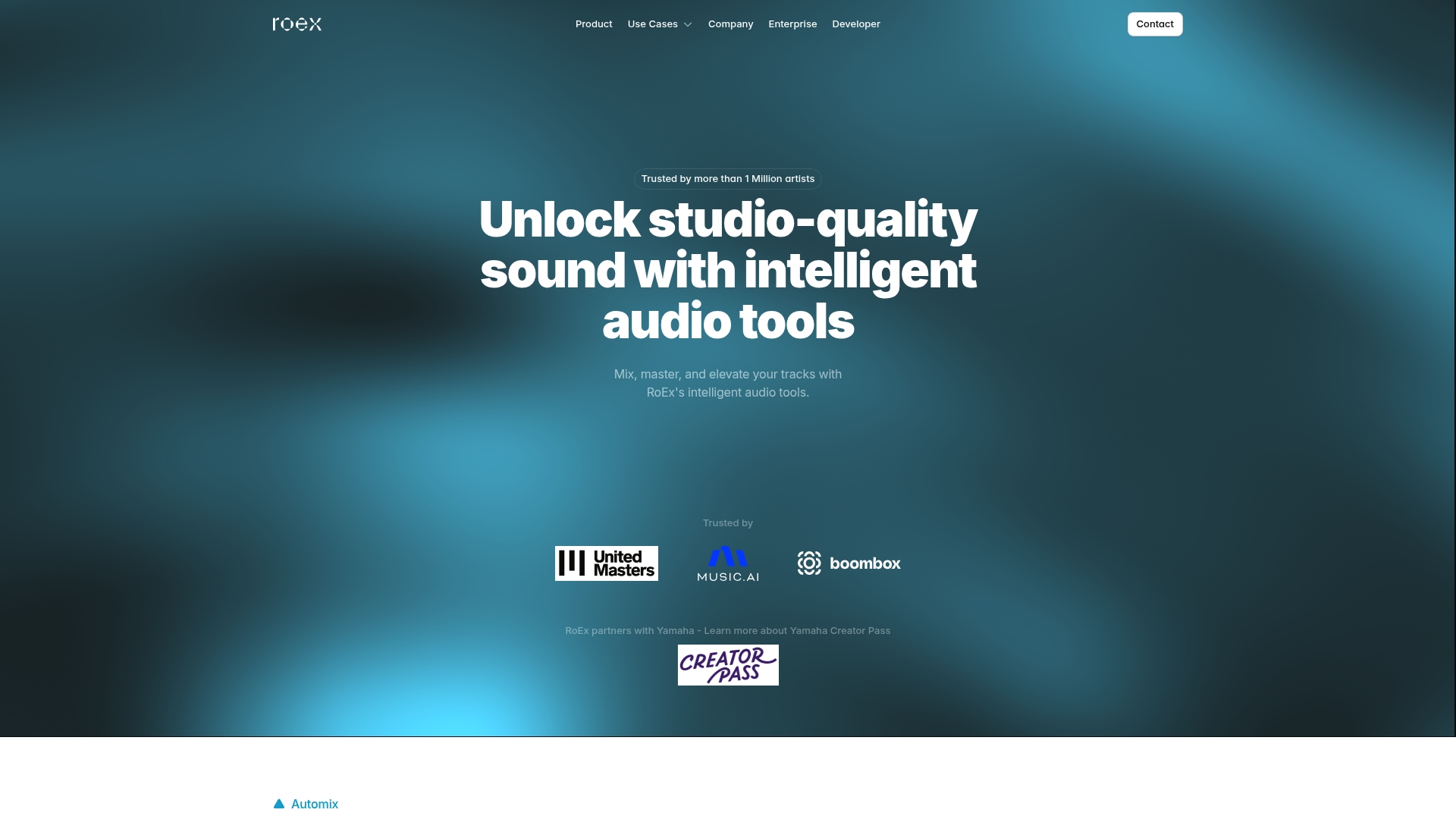
RoEx Audio provides AI powered tools that help you mix, master and analyse audio quickly while keeping creative control. The platform suits producers who want reliable, studio quality results without full reliance on a human engineer.
Core Features
RoEx Audio centres on three core tools for production workflows. Automix offers automated mixing and mastering with user ownership retained. Mix Check Studio delivers instant mix analysis and actionable feedback. Tonn API and SDK let developers integrate professional mixing, mastering and analysis into other platforms.
Pros
- Speeds production time. Automix and analysis tools reduce repetitive tasks so you finish more tracks in less time.
- Professional quality outputs. The AI trained with industry partners produces mixes that stand up against commercial releases.
- Flexible pricing options. You can use a free plan, choose pay per download, or subscribe for unlimited downloads depending on your budget.
- Ownership retained. Users keep full rights to their music when using Automix which protects your catalogue.
- Strong partnerships. Collaborations with Yamaha and research from Queen Mary University of London give confidence in the underlying tech.
Cons
- Requires internet access. Online processing means you cannot use the tools offline when a connection is unreliable.
- Subscription cost may be prohibitive. The Pro Subscription at $14.99 per month will be heavy for hobbyists with tight budgets.
- AI is not a full replacement for human ears. Complex mixes still benefit from human oversight and artistic judgement.
Who It's For
RoEx Audio suits music creators and producers who want faster turnarounds and consistent masters without visiting a commercial studio. It also fits developers and labels that need scalable audio processing integrated into apps and services.
Unique Value Proposition
RoEx Audio combines automated mixing, instant mix analysis, and an integratable API so you can both speed up creative work and embed professional audio tools into other projects. That blend of consumer and developer features is the product's main advantage.
Real World Use Case
A bedroom artist records vocals and beats then uses Automix to create a polished master in under an hour. They use Mix Check Studio to identify frequency clashes and correct balance before releasing the track, saving time and avoiding costly studio bills.
Pricing
RoEx Audio offers a free plan for testing. Pay As You Go pricing starts from $5.99 per download. The Pro Subscription is $14.99 per month and includes unlimited downloads plus additional features.
Website: https://www.roexaudio.com
Audio Production Tools Comparison
Explore the top audio production platforms below, organized to provide an insightful comparison of their features, strengths, and pricing options. This table is designed to help you make an informed decision based on your specific needs.
| Platform | Key Features | Pros | Cons | Pricing |
|---|---|---|---|---|
| AubioMix | Mix analysis, step-by-step visual reports | Personalized expert feedback, progression tracking via historical versions, downloadable PDF reports | No pricing details provided | Contact for pricing |
| Stacktune | File sharing, timestamp-based comments, version alignment tools | Secure, organized collaboration, unlimited contributors, clear feedback channels | No free plan, browser compatibility limitations | Plans from €7/month |
| MixPitch | Client portals, automatic watermarking, milestone billing | Branded client interface, integrated billing for revisions, structure for project clarity | Pricing view requires account creation | Free plan; Paid from £6.99/month |
| RoEx Audio | Automated mixing/mastering, audio analysis, API integration | AI-driven efficiency, music ownership retained, training from leading institutions | Dependence on internet, advanced subscription costs | Free plan; Pay-as-you-go or $14.99/month subscription |
Elevate Your Mixing with Expert Feedback from AubioMix
Struggling to get clear, professional advice on your mixes can slow your progress and drain your creative energy. This article highlights top audiomixr.com alternatives, each promising detailed feedback and actionable steps to improve your songs. If you want concise, expert-backed mix analysis that pinpoints issues like EQ, compression and stereo imaging AubioMix offers an unmatched solution. Its visual reports and personalised guidance reduce guesswork and ensure your revisions truly make a difference.

Discover how you can transform your mixing workflow today by visiting AubioMix. Don’t wait to gain access to clear, professional feedback that speeds up your mix improvements and helps your music reach its full potential. Step up your mixing game now with detailed, expert assessments designed for producers and engineers who want to succeed.
Frequently Asked Questions
What are the top alternatives to audiomixr.com in 2026?
A few of the top alternatives to audiomixr.com include AubioMix, Stacktune, MixPitch, and RoEx Audio. Each platform offers unique features that cater to different audio mixing needs and workflows.
How do I choose the right audiomixr.com alternative for my needs?
To choose the right alternative, evaluate your specific audio mixing requirements like feedback quality, project management tools, and collaboration features. Create a list of your priorities and compare each option on that basis to find the best fit for your workflow.
Can these alternatives generate professional-level feedback on my mixes?
Yes, many of the alternatives provide professional-level feedback, often through expert-backed reports or automated analysis tools. Upload a sample track to each platform to quickly assess the depth and quality of their feedback.
How can I manage client projects using these audiomixr.com alternatives?
Most of these platforms offer client project management features that allow you to track revisions and payments. Select a platform that provides branded client portals for seamless collaboration without requiring account creation for clients.
Are there free plans available with these audiomixr.com alternatives?
Some alternatives do offer free plans or trial options to test their features before committing. Sign up for the free versions to explore functionality without upfront costs and determine which features you find most beneficial.
How can I ensure the security of my audio files when using these alternatives?
Utilise platforms that implement secure file sharing and project organisation tools to protect your audio files. Explore their security protocols to ensure your work remains confidential while collaborating with others.