
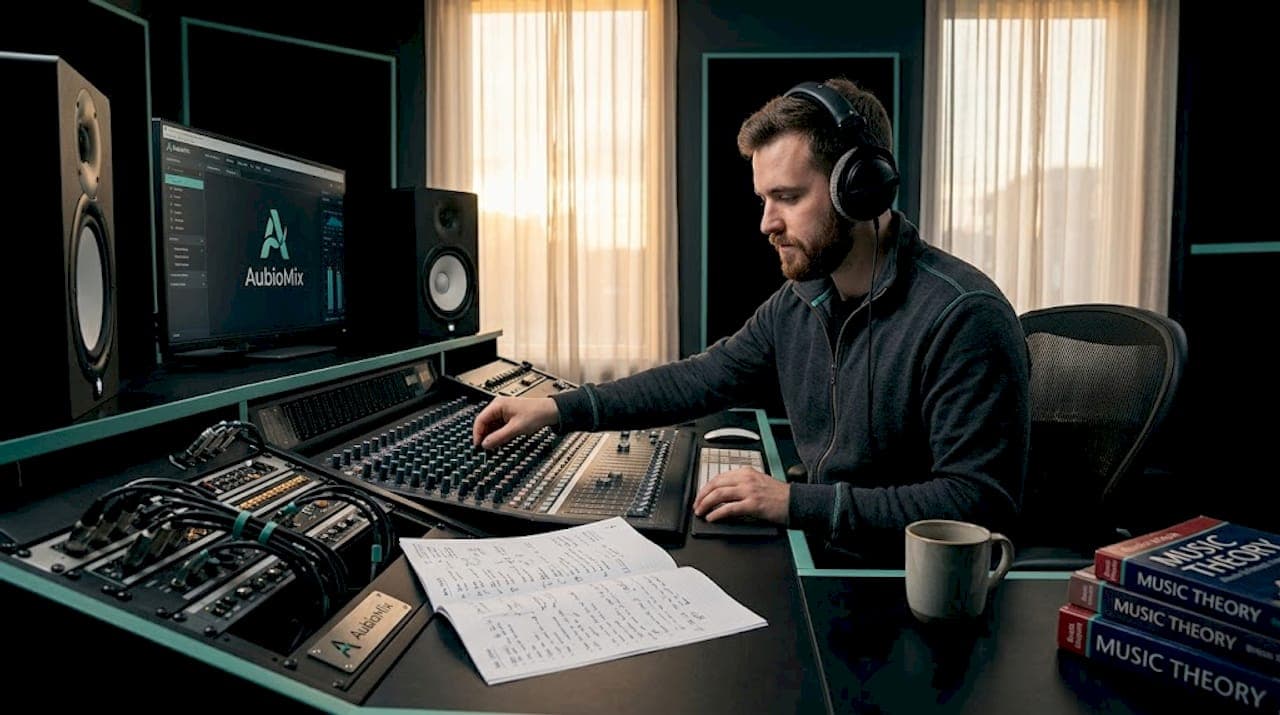
Mid-side mixing is one of the most powerful tools in a modern producer's arsenal, giving you granular control over stereo width, clarity, and spatial balance. But it is also one of the easiest places to quietly ruin a mix. Common mid-side mixing mistakes, from over-widening the side channel to spreading low-mids too far from the centre, can introduce muddiness, phase cancellation, and mono incompatibility that only reveal themselves when it is too late. This guide walks you through the key pitfalls, why they happen, and exactly how to fix or avoid them.
Table of Contents
- Common criteria for evaluating mid-side mixing errors
- Over-processing the side channel leads to unnatural stereo images
- Excessive low-mid energy in the side channel creates muddiness
- Balancing stereo width: boost sides carefully and check mono compatibility
- Key frequency moves: mono-ifying bass and enhancing high-end air on sides
- Why subtlety and consistent mono checks are the keys to mastering mid-side mixing
- How AubioMix helps independent producers optimise mid-side mixes
- Frequently asked questions
Key Takeaways
| Point | Details |
|---|---|
| Mono compatibility matters | Always check your mid-side mixes in mono to avoid phase cancellations and ensure bass remains centred. |
| Low-mid side cuts reduce muddiness | Cutting 150-600 Hz gently on the side channel clears low-mid fog without thinning the mix. |
| Subtle side boosts widen naturally | Small boosts to side highs add width without causing unnatural stereo images or phase problems. |
| Keep bass frequencies mono | Rolling off side low frequencies below 150-200 Hz prevents phase issues and tightens low end. |
| Less is more in M/S EQ | Use small adjustments below 1 dB and frequent checks to maintain balance and natural sound. |
Common criteria for evaluating mid-side mixing errors
Before we start pulling at individual mistakes, it helps to have a clear framework for what "wrong" actually sounds like in M/S processing. Not all errors are immediately obvious on headphones, and some only reveal themselves on club systems or in mono playback. Understanding this evaluation framework gives you ears and eyes on the right things from the start.
Here is what to listen and look for when assessing your M/S processing:
- Mono compatibility. This is the big one. Check mono at multiple stages to prevent phase cancellations, and always keep low frequencies mono for stability. If something disappears or dulls dramatically when you fold to mono, you have a problem.
- Correlation meter readings. A correlation meter shows the phase relationship between left and right. You want values between -0.3 and +1.0. Anything consistently below zero is a warning sign of destructive phase cancellation.
- Stereo image naturalness. Ask yourself: does the width feel like real space, or does it feel like something electronic is forcing sounds apart? An exaggerated, artificial spread is a tell-tale sign of over-processed sides.
- Low-frequency control. Bass frequencies should sit firmly in the centre. Wide sub and low-mid energy bleeds into the side channel and creates instability and phase issues at louder volumes.
With clear criteria for what can go wrong, let's explore the most common mid-side mixing mistakes individually.
Over-processing the side channel leads to unnatural stereo images
This is probably the most tempting mistake, especially once you first discover what a side channel boost can do to a mix. Suddenly everything feels wide and immersive. But push too hard and the mix starts to sound wrong, like a photograph that has been over-sharpened until the edges bleed.
Over-processing the side channel results in an unnatural, exaggerated stereo image and creates real mono and phase issues. When you apply heavy EQ boosts or cuts on the side signal, you are manipulating what is essentially the difference information between left and right. Too much manipulation and the stereo image loses its sense of natural placement.
Here is what to keep in mind:
- Prefer small boosts of 0.5 to 1 dB on the side channel rather than dramatic 4 to 6 dB lifts. The difference in width is often surprisingly minimal, but the phase stability gain is significant.
- Always perform a mono check immediately after any side channel adjustment. If a vocal or snare loses body when you collapse to mono, pull the adjustment back.
- Use stereo widening safety tips to benchmark how far is too far before committing to a sound.
- Treat the side channel as a seasoning, not the main ingredient. A little goes a long way.
Pro Tip: Solo your side channel and listen critically. If you can clearly hear the main melody or vocal hook, the sides are probably carrying too much energy from what should be centred content.
Now that we have seen the dangers of over-processing the side channel, let us look at how frequency-specific issues in M/S can cause muddiness.
Excessive low-mid energy in the side channel creates muddiness
If your mix sounds foggy, slightly congested, and lacks focus even after balancing levels, the culprit is often low-mid energy sitting too wide in the stereo field. This is one of the most common mixing pitfalls in electronic music and dense pop productions, and it can be tricky to identify without a targeted approach.
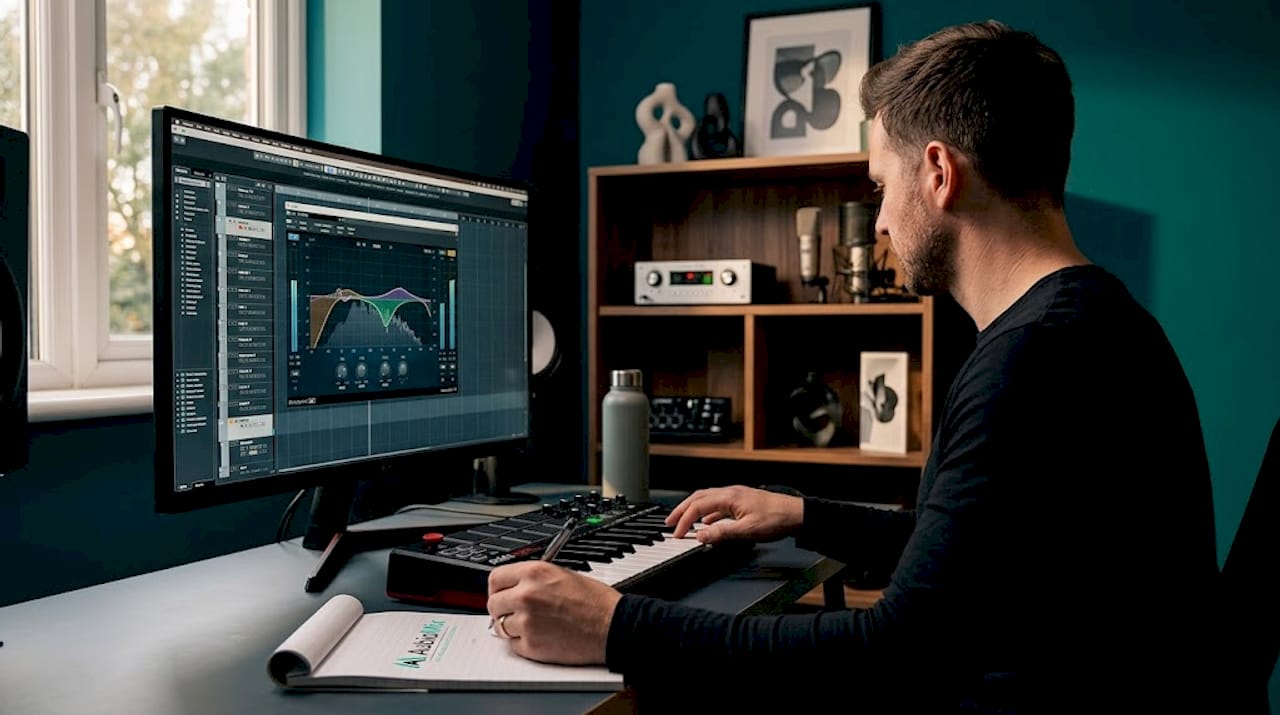
Excessive low-mid side energy between 150 and 600 Hz is the primary source of muddiness in electronic mixes, and the fix is gentle 1 to 3 dB bell cuts on the side channel. Here is a step-by-step method for finding and clearing that mud:
- Switch your EQ into M/S mode and select the side channel for editing.
- Add a narrow bell boost of around 6 dB and sweep it slowly between 150 Hz and 600 Hz. You are listening for the frequency that sounds the worst or most congested when boosted.
- Once identified, flip the boost to a cut of 1 to 3 dB with a moderate Q width. You do not want to carve out the whole range, just tame the problem area.
- Check the mid channel to ensure you have not accidentally thinned out the centre. The mid should retain its weight and warmth.
- Compare in mono and stereo to confirm the muddiness has cleared without losing punch or low-mid body from the mix.
Pro Tip: If muddiness only appears during choruses or heavy sections, consider a dynamic EQ on the side channel set to engage only when that frequency range exceeds a threshold. This keeps the mix open during verses while controlling density in dense moments.
Following mixing chain best practices at every stage, including where you place M/S processing in your signal chain, also makes a meaningful difference to how cleanly these cuts translate. Beyond muddiness, controlling stereo width precisely is key. Let us discuss width balance and phase considerations.
Balancing stereo width: boost sides carefully and check mono compatibility
Stereo width in M/S processing is simply the relationship between how loud the mid signal is relative to the side signal. Raise the side, and the mix gets wider. Lower it, and things feel more focused and centred. It sounds straightforward, but this is where a lot of producers run into trouble.
Boosting the side by 3 dB increases stereo width noticeably but requires mono compatibility checks to avoid phase problems. Here is how to manage width adjustments safely:
- Work in small increments. A 1 to 2 dB nudge on the side fader is often all you need. Going straight for 3 dB or more is how mixes start sounding thin or unstable on smaller speakers.
- Watch your correlation meter throughout. Keep phase correlation values between -0.3 and +1.0 at all times. Regular dips below zero suggest phase cancellation is occurring.
- Check the dynamic contrast across your mix. Over-wide side signals can flatten perceived dynamics and make the mix feel stretched rather than spacious.
- Test on multiple playback systems including earbuds, laptop speakers, and a mono Bluetooth speaker. What sounds rich and wide in your studio can easily collapse elsewhere.
| Side boost | Perceived width change | Phase risk | Recommended action |
|---|---|---|---|
| 0.5 to 1 dB | Subtle, natural widening | Very low | Safe for most sources |
| 1 to 2 dB | Moderate, noticeable width | Low to moderate | Check mono after adjustment |
| 3 dB | Significant broadening | Moderate to high | Mono check essential |
| 4 dB or more | Exaggerated, often unnatural | High | Avoid unless intentional effect |
Use this table as a quick reference during your sessions. It will save you a lot of time second-guessing your decisions. Use the evaluation framework to cross-reference your results against proven standards.
Key frequency moves: mono-ifying bass and enhancing high-end air on sides
Once you understand what not to do, mid-side EQ becomes a genuinely expressive tool. There are two moves in particular that appear in almost every well-engineered mix and are worth building into your workflow as default starting points.
A standard M/S mastering move cuts the side signal below 200 Hz to keep bass mono, and boosts above 5 kHz to add width and shimmer. Paired with this, cutting sides below 150 to 200 Hz for mono bass and adding subtle side boosts above 6 to 8 kHz adds real air and sparkle without touching the centre image.
Here is a practical frequency reference table for M/S EQ decisions:
| Frequency range | Channel | EQ type | Typical adjustment | Purpose |
|---|---|---|---|---|
| Below 150 to 200 Hz | Side | High-pass or shelf cut | Full roll-off | Keep bass mono, avoid phase issues |
| 150 to 600 Hz | Side | Bell cut | 1 to 3 dB cut | Reduce muddiness |
| Around 1.7 kHz | Mid | Bell boost | 0.5 to 1 dB boost | Enhance vocal presence |
| 5 to 8 kHz and above | Side | Shelf boost | 1 to 2 dB boost | Add air and spaciousness |
Pro Tip: When boosting the high-end air on the side channel, listen for sibilance and harsh transients becoming exaggerated. A de-esser or a gentle high-shelf tilt rather than a pure boost often gives you sparkle without harshness.
Use stereo widening safety tips alongside these moves to keep everything balanced and translate-ready. Understanding these frequency splits and their typical treatments completes the framework to avoid common M/S mixing mistakes.
Why subtlety and consistent mono checks are the keys to mastering mid-side mixing
Here is something I feel strongly about, having worked through countless mixes: the producers who get the most out of M/S processing are almost never the ones making bold, dramatic moves. They are the ones making tiny, deliberate adjustments and checking mono so often it becomes muscle memory.
There is a real temptation when you first get hands-on with mid-side mixing techniques to treat the side channel like a creativity lever. Crank it up, and suddenly everything sounds huge and professional. But that feeling is often illusory. M/S EQ's power lies in subtlety, and heavy-handed processing often unravels the careful mixing decisions you made earlier in the session.
I think of M/S mixing as an ongoing dialogue between your ears and your meters. Your ears tell you whether the music feels right. Your meters, particularly that correlation meter, tell you whether the physics are working in your favour. Neither one alone is sufficient. Together, they keep you honest.
Half a dB can change the character of a mix without introducing risk. One dB can open up a vocal or give a pad more presence. Going beyond that without careful checking is where common mixing pitfalls live. Following mixing chain best practices throughout your session ensures M/S decisions sit within a well-organised signal path, which makes everything easier to evaluate and undo if needed.
The uncomfortable truth is that most mixes do not need aggressive M/S processing at all. They need targeted, surgical adjustments. The results sound professional not because they are dramatic but because they are appropriate.
How AubioMix helps independent producers optimise mid-side mixes
Applying all of these mid-side processing tips consistently takes time and a trained ear, especially when you are working alone without a second set of ears in the room. That is exactly why we built AubioMix.

AubioMix lets you upload your track and receive a detailed, objective report on stereo width, mono compatibility, and mix balance within seconds. It flags common mixing errors including mid/side imbalances, phase issues, and low-end spread so you can act on them with clear, specific guidance rather than guesswork. The AubioMix evaluation framework gives you a professional benchmark to measure your mix against at every stage of production. Whether you are mastering a track for release or reviewing a rough mix before a session, AubioMix gives independent producers the kind of feedback that used to require hiring a professional engineer.
Frequently asked questions
What is mid-side mixing and why is it important?
Mid-side mixing separates the centre (mid) and stereo (side) signals to give precise control over stereo width and balance, improving clarity and spatial placement in mixes. M/S processing lets you adjust stereo width by independently balancing mid and side channels in ways that standard left/right processing cannot.
How can I avoid phase issues when using mid-side EQ?
Regularly check your mix in mono at various stages of processing to ensure that wide side channel adjustments do not cause phase cancellations or loss of key elements. Checking mono compatibility before, during, and after M/S processing is the single most reliable way to prevent phase issues.
Why should low frequencies be kept mono in mid-side mixing?
Keeping bass frequencies mono avoids phase cancellations that reduce impact and create muddiness when played back on mono or club systems. Rolling off side low frequencies below 150 to 200 Hz keeps bass centred and significantly improves mono compatibility.
What frequency range causes muddiness when spread too wide in the side channel?
Excessive low-mid energy between 150 Hz and 600 Hz on the side channel often leads to muddiness and loss of clarity in electronic and other mixes. Low-mid side frequency build-up between 150 and 600 Hz causes mix muddiness and is best resolved with gentle 1 to 3 dB bell cuts on the side channel.
How subtle should adjustments be with mid-side EQ?
Adjustments with M/S EQ should typically stay under 1 dB to avoid upsetting the mix balance and causing unnatural stereo effects or mono compatibility issues. Half a dB to 1 dB adjustments in M/S EQ preserve the natural stereo image and protect the mixing decisions already in place.