
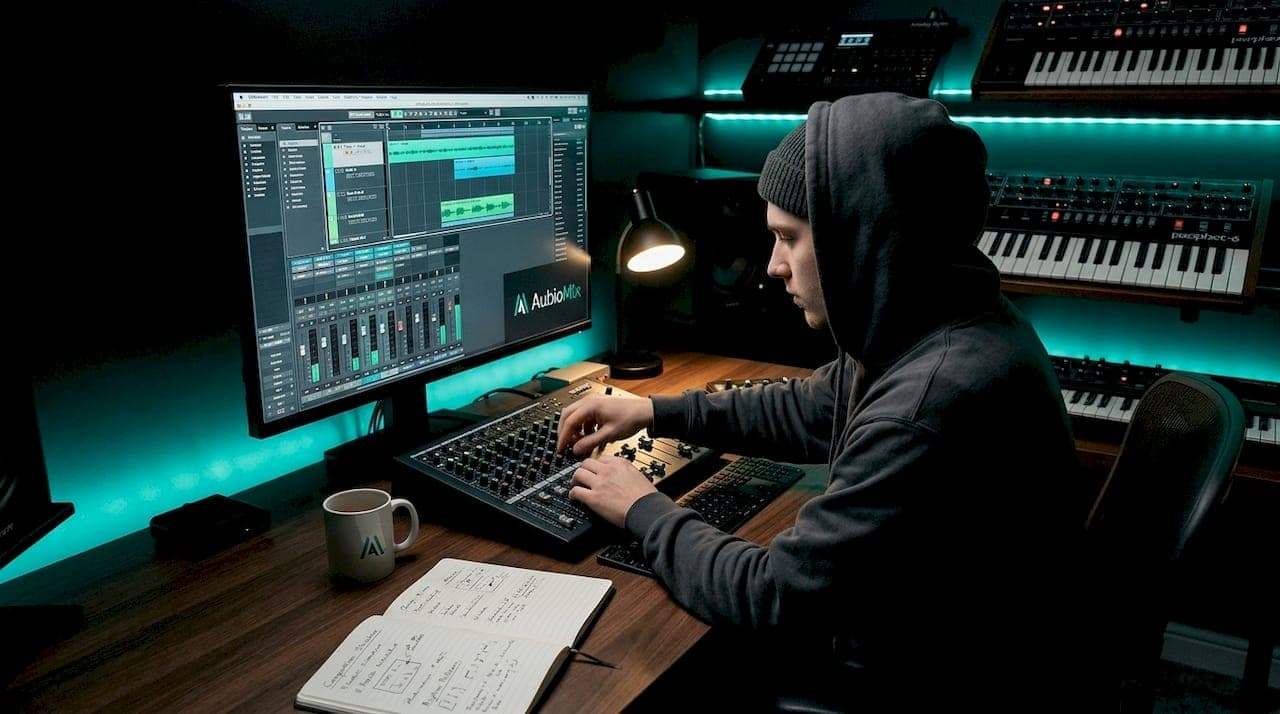
Electronic music mixing best practices are defined by three disciplines: gain staging, frequency management, and stereo imaging. Unlike mixing a live band, where room acoustics and microphone bleed shape the sound, electronic production gives you clean, synthesised sources that demand precise carving of frequency space and careful control of headroom. The challenge is not capturing sound. It is organising it. Tools like LUFS meters, spectrum analysers, and reference tracks are not optional extras here. They are the backbone of a professional workflow, and every practice in this guide builds on that foundation.
1. Gain staging and headroom management
Gain staging is the single most important discipline in electronic music mixing, and it is one of the most commonly neglected. The principle is straightforward: keep individual channels around -10 dBFS RMS so that when dozens of tracks sum together, your master bus has room to breathe. Without that headroom, your mix clips before you have even touched a compressor.
Think of gain staging as setting the table before the meal. If every element is already at maximum volume before processing, there is nowhere left to go. Proper gain staging is operational discipline that preserves quality throughout the entire signal chain, not just a technical formality.
- Set your loudest channels to peak around -10 to -6 dBFS before any processing.
- Use your DAW's channel trim or a utility gain plugin at the top of every channel strip.
- Avoid reaching for the fader to compensate for poor gain structure. Fix it at the source.
- Avoid placing a limiter on the master bus during the mixing stage. It masks imbalances and skews your perception of loudness and punch.
Pro Tip: Render a quick rough mix without any master bus processing and listen critically. If it sounds thin or harsh, the problem is almost certainly in your gain structure, not your EQ choices.
2. Frequency carving and bass management
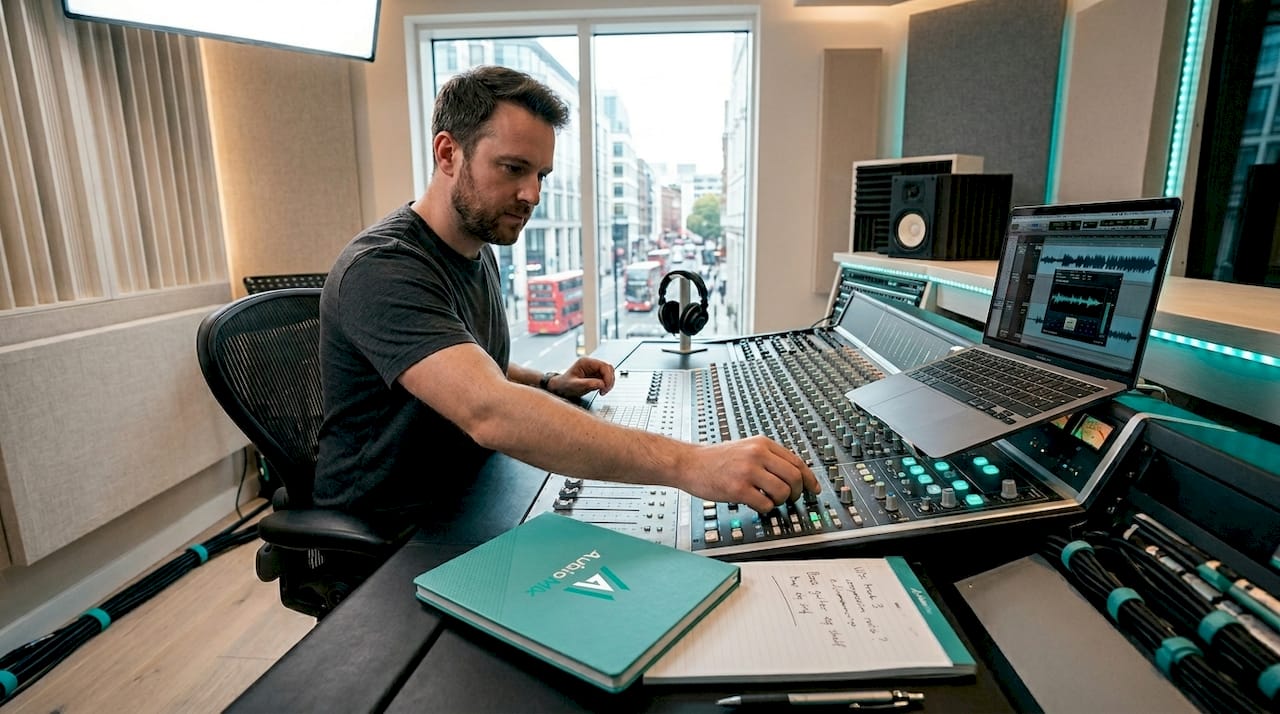
Frequency management in electronic music is about creating space, not just cutting mud. Synthesisers and samplers produce sounds with precise harmonic content, which means two elements can occupy exactly the same frequency range and fight each other with surgical precision. The solution is deliberate carving with EQ.
Bass management deserves its own strategy. Treat the sub foundation as a separate mono lane at 80 Hz and below, keeping it unprocessed and centred. Distortion and saturation belong in the upper bass range (roughly 80 to 200 Hz), where they add warmth and character without destabilising the low-end weight you need on a club system. A dedicated bass bus covering 65 to 200 Hz lets you apply compression and saturation to the body of the bass without touching the sub.
Use a spectrum analyser like FabFilter Pro-Q 3 or Voxengo SPAN to visualise where your elements sit. If your lead synth and your pad share a dense 2 to 4 kHz presence, one of them needs a gentle cut in that range. The goal is a mix where every element has its own sonic address.
3. Stereo imaging for a mono-compatible mix
Stereo width is one of the most powerful creative tools in electronic music, and one of the easiest to misuse. The rule that matters most is this: kick and sub bass must be mono and centred. Stereo energy in sub frequencies causes phase cancellation on mono playback systems, which includes most club PA rigs and a significant portion of streaming listeners on single-speaker devices.
For everything above the low end, a layered approach to width works well. Keep your lead elements relatively centred or slightly wide to maintain focus. Push hi-hats, percussion, and atmospheric pads wider to create a sense of space and movement. Chords and synth layers sit comfortably at moderate width, roughly 30 to 60 percent on a stereo imager like iZotope Imager or the mid-side section of Ozone.
- Use a phase correlation meter on your master bus. A reading consistently below zero signals phase problems.
- Perform mono compatibility checks early in the mix, not just at the end. Catching phase issues late costs time.
- Avoid widening the sub frequencies with tools like Haas effect or stereo delay below 80 Hz.
- Check your mix in mono by pressing the mono button on your monitor controller or using a utility plugin.
Pro Tip: Fold your mix to mono every 20 minutes during a session. If the bass disappears or the mix sounds hollow, you have a phase problem that needs addressing before you go any further.
4. Metering and referencing for objective decisions
Your ears are your most important tool, and they are also the most unreliable one after two hours in a session. Metering tools exist to give you objective data when your perception drifts. LUFS metering measures perceived loudness across three windows: Momentary (instant response), Short-term (three-second average), and Integrated (full-track average). Short-term LUFS is particularly useful for assessing how loud a drop or breakdown feels relative to the rest of the track.
True peak metering prevents a specific and painful problem: intersample peaks that clip during digital-to-analogue conversion even when your DAW meter reads below 0 dBFS. Set your true peak ceiling to -1 dBTP on your mix bus before sending to mastering.
| Metering tool | What it measures | Target value |
|---|---|---|
| Integrated LUFS | Overall perceived loudness | -14 to -9 LUFS (genre dependent) |
| Short-term LUFS | Section-level dynamics | Varies; use for drop vs. intro comparison |
| True peak | Intersample clipping risk | -1 dBTP maximum |
| Phase correlation | Stereo mono compatibility | Stay above 0 for a healthy mix |
Reference tracks are the other half of this equation. Load two or three commercial tracks in your genre directly into your DAW using a tool like Metric AB or simply as audio tracks. Cycle through them regularly to recalibrate your ears on tonal balance, low-end weight, and overall loudness. One reference track is not enough. Different tracks reveal different things.
Pro Tip: Match the loudness of your reference tracks to your mix using a gain plugin before comparing. Louder always sounds better, and you want a fair comparison, not a flattering one.
5. Workflow and session organisation
A well-organised session is not just tidy. It is faster, less error-prone, and produces better mixes because you spend less cognitive energy navigating your project and more on listening. Set up a mix template with colour-coded buses: kick, snare, bass, leads, pads, FX returns, and a master bus. Every new project starts from this template.
The most effective mixing workflow for beginners and experienced producers alike is to balance the mix using only volume and panning before touching EQ or compression. This forces you to make musical decisions first and technical ones second. You will often find that a well-balanced rough mix needs far less processing than you expected.
When it comes to exporting, stems should be 24-bit/48 kHz WAV files, aligned to bar one beat one, with mono sources exported as mono files and stereo sources as stereo. Label everything clearly. Clear, organised stems reduce friction and save significant time when working with a mix engineer or returning to a project months later.
Avoid processing decisions made in solo. A snare that sounds perfect in isolation can disappear in the full mix, or a synth pad that seems too bright on its own sits perfectly once the other elements are present. Always make EQ and compression decisions in the context of the full arrangement.
6. DJ mixing techniques that complement production
Understanding DJ mixing techniques makes you a better producer, and vice versa. The two disciplines share the same core concern: how do two or more elements coexist in the same frequency space and time without clashing?
Harmonic mixing is the foundation of musical DJ transitions. Mixing tracks in compatible keys (using the Camelot Wheel system, for example) prevents tonal clashes that sound jarring even to non-musicians in the crowd. Most modern DJ software including Rekordbox, Serato DJ Pro, and Traktor Pro 3 displays key information automatically, but training your ear to hear key relationships is a skill worth developing independently.
| Technique | Studio application | DJ application |
|---|---|---|
| Harmonic mixing | Layering synths in compatible keys | Transitioning between tracks in the same key family |
| Phrase matching | Aligning arrangement sections | Mixing at 8, 16, or 32-bar boundaries |
| EQ mixing | Frequency carving between elements | Cutting bass on incoming track before blending |
| Loop control | Creating build tension in arrangement | Using loops and Hot Cues for creative transitions |
Phrase mixing at 8, 16, or 32-bar boundaries produces transitions that feel intentional rather than accidental. Breakdowns and buildups are natural transition points because the energy drops, giving you space to introduce a new track without a jarring frequency collision. Multi-deck mixing requires simplified approaches built around loops and Hot Cues before adding complexity. Over-relying on the Sync function removes the creative balancing that defines skilled DJing, so use it as a starting point, not a crutch.
Key takeaways
Effective electronic music mixing requires gain staging discipline, mono-compatible stereo imaging, and objective metering to produce mixes that translate across every playback system.
| Point | Details |
|---|---|
| Gain staging first | Keep individual channels around -10 dBFS RMS before processing to preserve headroom. |
| Sub bass stays mono | Keep kick and sub below 80 Hz centred and mono to avoid phase cancellation on club systems. |
| Meter objectively | Use integrated LUFS and true peak metering alongside your ears to make accurate loudness decisions. |
| Mix in full context | Make all EQ and compression decisions with the full arrangement playing, never in solo. |
| Organise your session | Use colour-coded buses and a consistent template to reduce cognitive load and speed up decisions. |
Why discipline beats creativity in the mix
Here at Aubiomix, we have analysed thousands of mixes from producers at every level, and the pattern is consistent. The mixes that fall short are rarely the result of poor creativity. They are the result of skipped fundamentals. A producer spends hours crafting a beautiful pad sound, then buries it under a poorly gain-staged kick that is clipping the master bus. Or they build a wide, immersive stereo field that collapses entirely when the track plays on a phone speaker.
The producers who improve fastest are the ones who treat gain staging and mono checks as non-negotiable habits, not optional steps. They check their mixes on laptop speakers, earbuds, and car stereos before calling anything finished. They use reference tracks not to copy a sound, but to recalibrate their ears after hours of listening fatigue. Learning to balance levels like a pro is less about knowing more techniques and more about applying the ones you already know with consistency.
My honest recommendation is this: before you reach for a new plugin or a more complex processing chain, spend one session doing nothing but gain staging and volume balancing. You will be surprised how close to finished a mix can sound before a single EQ band is touched.
— AubioMix
Take your mix further with Aubiomix
Knowing the best practices is one thing. Hearing exactly where your mix falls short is another.

Aubiomix is an online platform where you upload your track and receive detailed, objective feedback on frequency balance, loudness, stereo imaging, and clarity. Within minutes, you get specific, data-driven mix analysis that tells you precisely what to fix and how. Whether you are working on your gain structure, checking mono compatibility, or preparing stems for mastering, Aubiomix gives you the kind of feedback that used to require a professional mix engineer. Upload your track at Aubiomix and hear what your mix is really doing.
FAQ
What is the most common mistake in electronic music mixing?
The most common mistake is poor gain staging, specifically setting individual channels too hot before processing, which causes master bus clipping and limits headroom. Keeping channels around -10 dBFS RMS before any EQ or compression is applied prevents this.
Should sub bass always be mono in electronic music?
Yes. Sub bass frequencies below 80 Hz should always be mono and centred because stereo energy in that range causes phase cancellation on mono playback systems, including most club PA rigs. This is a core principle of bass design and mono compatibility.
What LUFS target should I aim for in electronic music?
A typical target for electronic music is between -9 and -14 LUFS integrated, depending on the genre and the platform. Streaming services like Spotify normalise to around -14 LUFS, while club-focused tracks often sit louder at -9 to -7 LUFS after mastering.
Why should I avoid a limiter on the master bus during mixing?
Placing a limiter on the master bus during mixing creates misleading perceived loudness that skews your EQ and compression decisions. Evaluate loudness on rendered masters using LUFS metering rather than relying on how the limited mix sounds in real time.
What file format should I use when exporting stems for mixing?
Export stems as 24-bit/48 kHz WAV files, aligned to bar one beat one, with mono sources exported as mono and stereo sources as stereo. Clear labelling of each stem reduces errors and speeds up the mixing workflow significantly.