
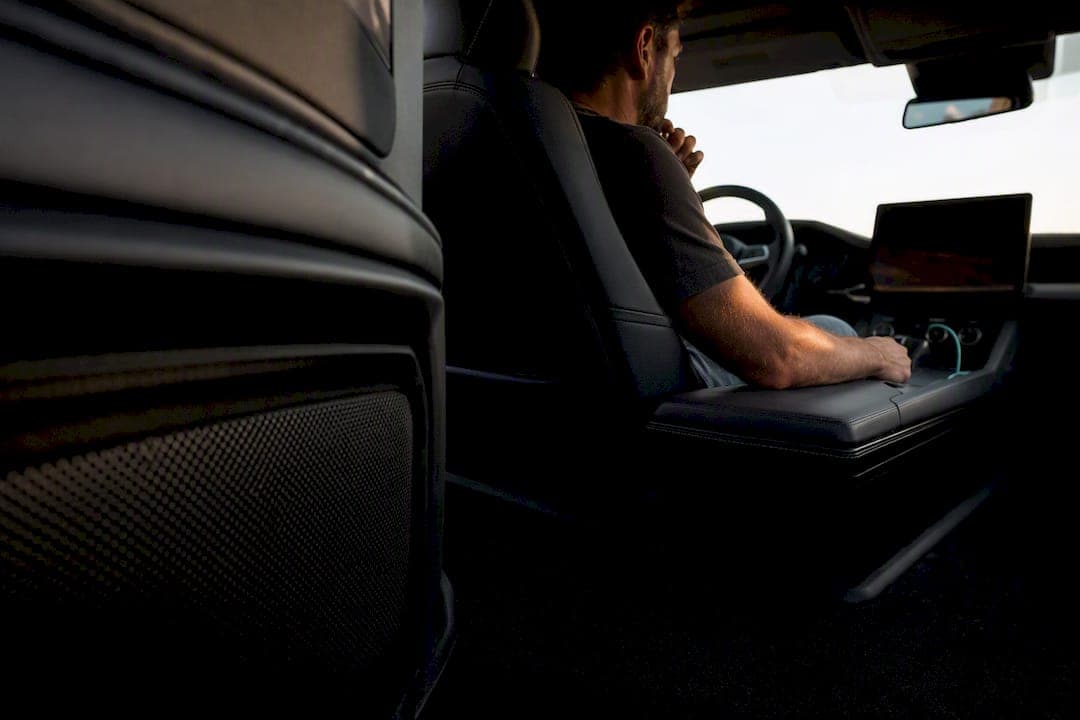
Yes, run the car test, but treat it as a translation check, not the truth. Play one known reference track first, take three quick notes on bass, clarity and stereo image, and resist the urge to make big changes after a single listen. A car reveals where your mix might not travel well; it doesn't tell you what the "correct" balance is.
TL;DR:
- Testing mixes in the car should be approached as an evidence-gathering check, not as the definitive sound judgment, due to vehicle-specific acoustics.
- Proper preparation involves exporting high-quality files, using trusted reference tracks, resetting car audio, and avoiding Bluetooth streaming.
- Common issues include bass accumulation between 40-200 Hz, midrange reflections, stereo image shifts, and noise masking, all influenced by the vehicle's interior shape and system.
- Consistent workflow involves initial listening, comparing against references, making small adjustments, and rechecking to prevent chasing false problems.
- Using simulation plugins can speed up checks but require follow-up with real car listening for accurate translation and final adjustments.
Table of Contents
- Quick checklist: what to prep before the car test mix
- What cars do to your mix: acoustic mechanics to listen for
- Step-by-step car-test workflow you can repeat reliably
- Common mistakes producers make during car checks — and fixes
- DAW car-simulation plugins and when to use them
- AubioMix: how objective mix metrics complement subjective car checks
- Try AubioMix to turn car-test notes into measurable fixes
- Sources
Quick checklist: what to prep before the car test mix
I've watched too many producers jump in the car with a rough export and no plan, then panic when the kick sounds huge. A car test mixing session only works if you prep it like a proper A/B test. Here's the order I run through every time:
- Export high-quality files. Use high-quality audio files, preferably lossless formats like WAV, or high-bitrate MP3s where supported, WAV if your car system supports it.
- Load two reference masters alongside your mix, ideally tracks in a similar genre you already trust.
- Reset the car audio to neutral. Kill loudness modes, bass boost presets, and any "enhanced" EQ curve.
- Avoid Bluetooth streaming where you can. A USB stick or aux cable with a proper file beats lossy wireless every time, since exporting high bitrate files and skipping Bluetooth protects the details you're actually trying to judge.
- Draft a three-item note template covering bass, clarity, and stereo image before you even turn the key.
- Do one short pass and log first impressions without touching a single fader.
That's it. Anything more elaborate and you'll be doing surgery in a car park instead of gathering evidence.
What cars do to your mix: acoustic mechanics to listen for
Cars aren't neutral listening rooms, and pretending otherwise is where most car sound test mishaps start. The cabin is a small, sealed, oddly shaped box, and it behaves like one.
Pro Tip: If your mix sounds bad in the car, don't assume the mix is wrong first. Ask whether the room, not the recording, is exaggerating the problem.
- Bass piles up around 40 to 200 Hz. This modal boost is the single biggest reason mixes fail to translate in a vehicle, and it's why surgical EQ around the specific peak works better than a broad low-end cut, which just leaves the mix thin everywhere else.
- Midrange reflections between 250 Hz and 4 kHz bounce off the dashboard and windows, adding boxiness or a harsh edge to vocals and snares.
- Stereo image shifts depending on where you're sitting. The driver's seat is rarely centred between the speakers, so wide pans can feel lopsided or collapse entirely.
- Road and engine noise eats into your dynamic range, masking quiet details you worked hard on.
- Weak signal chains expose mono problems. A poor FM transmitter or a low bitrate stream can force mono playback, and suddenly elements that relied on stereo width vanish.
Step-by-step car-test workflow you can repeat reliably
Consistency is what separates a useful car test mixing routine from a random drive that leaves you second-guessing everything. Here's the sequence I'd follow every time, regardless of the car.
- Before you leave the studio: confirm your file type, pick two reference tracks you know well, reset the car's audio settings, and switch off any DSP "enhancement" modes.
- First pass, hands off: just listen. Note your gut reaction to the kick against the bass, vocal clarity, and how wide the mix feels from the driver's seat.
- A/B against your references. Switch between your mix and the reference tracks on the same system, same volume, so you're comparing apples to apples.
- Write down three priority fixes, and estimate them in decibels where possible. "Vocal feels buried, maybe 1 to 1.5 dB" is far more useful than "vocals need work."
- Go back to the DAW and make small, measured changes. Practical car-test etiquette means listening first, adjusting second, and never both at once.
- Close the loop. Implement the changes, do a quick re-check in the car if you can, then confirm the fix holds up on a third system, headphones or a phone speaker.
That verification loop is the part most people skip, and it's the part that actually stops you from chasing your own tail.
Common mistakes producers make during car checks — and fixes
The car test mix process goes wrong in predictable ways. Here's what to watch for.
- Over-compensating for one car. Every vehicle has its own quirks, so tailoring a mix to a single car's exaggerated bass or brightness can make it sound worse everywhere else. Aim for the middle of the bell curve, not a perfect match to your hatchback.
- Making big moves after one listen. A 4 dB cut based on a five-minute drive is a guess, not a decision. Work in small, incremental steps and re-check before committing further.
- Blaming the mix for a broken system. Damaged speakers, a factory EQ curve, or a dying amp can mimic mix faults. Always test against reference masters first to rule out the car itself.
- Ignoring mono compatibility. If you're using an FM transmitter or a weak stream, check your mix in mono, because a poor wireless chain can force mono playback and expose problems you'd never hear in the studio.
- Not knowing when to stop guessing. If you've made three rounds of changes and the mix still feels wrong, that's usually the point to send it for a second opinion or into mastering rather than keep chasing it alone.
DAW car-simulation plugins and when to use them
Simulation plugins have their place, and the free Car Test plugin from Rocket Powered Sound is the obvious example, modelling a rough car-speaker frequency response so you can check translation without leaving your chair. Reviewers have flagged it as a genuinely handy shortcut, while being upfront that it's a quick proxy rather than an exact match for a real vehicle.
That gap matters. A plugin can approximate frequency response, but it can't recreate seat position, cabin modes, or the specific reflections of an actual car interior.
- Use it for fast A/B checks during a long session when driving isn't practical.
- Treat it as a time-saver, not a verdict. Simulators demand manual gain checks, since their processing can introduce clipping you wouldn't otherwise have.
- Pair it with at least one real car listen before you finalise anything. The plugin narrows down what to check; the car confirms it.
AubioMix: how objective mix metrics complement subjective car checks
Car checks tell you that something sounds off. They rarely tell you why, or by how much. That's the gap AubioMix is built to close, translating subjective impressions like "boomy" or "buried vocal" into specific, measurable fixes before you ever start the engine.
- Automated reports flag low-end masking, stereo width issues, and frequency clashes, the exact culprits behind most car test mix failures.
- A practical workflow: run your mix through AubioMix, prioritise the surgical fixes it highlights, then use the car as verification rather than diagnosis.
- Case studies on tracks like Driver's License and Animals show how these issues show up in real, released mixes, worth reviewing if you want a concrete reference point.
A car test tells you something feels wrong. A measured report tells you where, by how much, and what to fix first.
Try AubioMix to turn car-test notes into measurable fixes
Our service provides a way to go from a feeling that something sounds off in the car to identifying specific frequency, channel, and adjustment details. Where a car test gives you a feeling, AubioMix gives you a report: the same low-end buildup and masking issues that trip up mixes on car systems, flagged with specific, actionable steps before you even start the engine.

Start by uploading a mix and comparing the results against genre benchmarks for pop and rock, or check the evaluation framework if you want to understand what each metric means before you dig in. Run the fixes it surfaces, then use your car as the final confirmation rather than the starting point. It's a faster way to separate a real mix problem from a car quirk, and it means every drive you take is checking a mix that's already close, not one you're diagnosing from scratch.
Sources
I reach for a car check on singles, radio-leaning tracks, and anything bass-heavy, genres where translation to a car really is part of the brief. For an album or a mix I need to get right across every system, I lean harder on accurate studio monitoring and treat the car as secondary confirmation, not the main event. A fair rule of thumb: if the car test is eating more than one short drive per revision round, you're using it to make decisions it was never built to make.
— AubioMix
- Can SoundID Reference work effectively in car audio environments? — Sonarworks
- Car Test — Bedroom Producers Blog
- The hidden danger of checking your mixes in the car — SonicScoop