
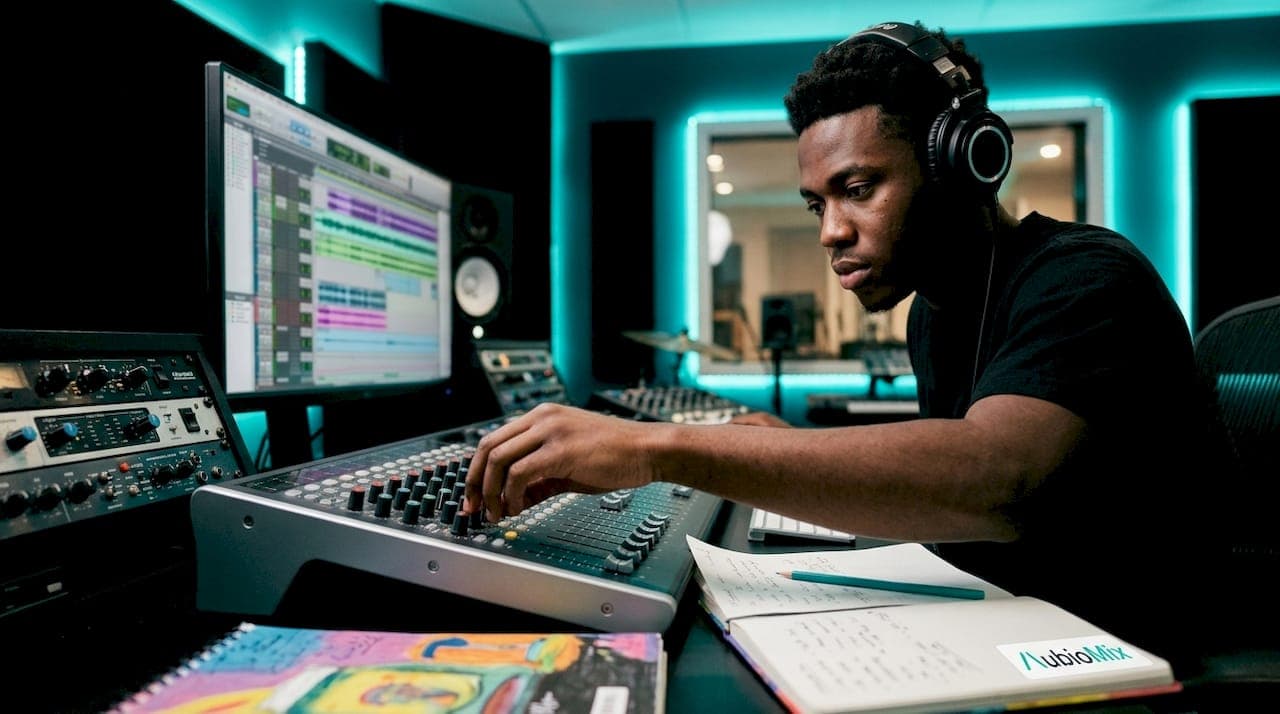
Mixing tricks are specific techniques and workflows that professional producers use to enhance clarity, cohesion, and impact in their audio mixes. The best results come from combining foundational practices, like gain staging with tools such as Waves SSL G-Channel and iZotope Neutron, with advanced methods including immersive micro-motion panning and mix bus resonance control. Whether you are refining your mixing skills or pushing into advanced mixing strategies, the techniques below give you precise, numbered targets to work from rather than vague guidance.
1. Set your gain staging before touching a single plugin
Gain staging is the single most important step in any mixing workflow, and skipping it creates problems that no amount of EQ or compression can fully fix. The goal is to set average RMS levels to around –18 dBFS before any plugins are inserted. At that level, your processors receive a consistent, predictable signal, which means your compressors and EQ curves behave exactly as their designers intended.
Once individual tracks are staged correctly, build your rough mix balance so the master bus peaks around –6 dB. That headroom gives your bus processing room to breathe without clipping. Normalise stems on import to create a consistent input level, which also makes bus compression far more predictable later in the session.
- Apply high-pass filters at 80–100 Hz on vocals, guitars, and keyboards to remove low-end rumble that muddies the mix
- Keep bass and kick drum full-range until you have assessed their relationship in context
- Check your mixing session structure before committing to any processing order
- Use a gain plugin at the top of every channel strip to adjust input level without touching the fader
Pro Tip: Treat gain staging as a non-negotiable first pass. Spend 10 minutes setting levels before you open a single EQ or compressor, and you will spend far less time chasing problems later.
2. Use bus compression to glue, not squash
Effective bus compression is about subtlety and transparency. The moment you can clearly hear the compressor working, you have gone too far. Classic glue settings use an attack of 10–30 ms, a release of 50–150 ms, and a ratio between 2:1 and 4:1. Those numbers are not arbitrary; the slower attack lets transients pass through untouched, preserving punch, while the release time allows the compressor to recover in time with the musical phrase.
Set your threshold so you are achieving 2–4 dB of gain reduction on the loudest hits. Treat that meter reading as a hard target rather than a subjective feel. Over-compression causes pumping artefacts and a flat, lifeless sound that no amount of makeup gain can rescue.
Gain reduction on the bus should be a specific meter target, not a 'sounds good' judgement. Aim for 2–4 dB and stop there.
Differentiate your bus settings by group. A drum bus can tolerate a slightly faster attack and higher ratio than a vocal bus, where transparency is paramount. The master bus should be the most conservative of all, with ratio rarely exceeding 2:1. Always use makeup gain to match the loudness of the processed signal to the bypassed signal before making any judgement about whether the compression is working.
3. Advanced vocal mixing tricks: fader riding and dynamic EQ
The most underused vocal mixing technique is manual fader riding before any compression is applied. Fader riding reduces dynamic range from the typical 15–20 dB of a raw vocal performance down to 6–8 dB. That narrower range means your compressor is doing far less heavy lifting, which keeps the vocal sounding natural and present rather than squashed and lifeless.
Here is a practical workflow for advanced vocal processing:
- Ride the fader manually through the entire vocal performance, pulling down loud phrases and nudging up quiet ones
- Insert a dynamic EQ such as Fabfilter Pro-Q 3 or iZotope Neutron's dynamic EQ module to tackle problem frequencies only when they appear
- Set reverb pre-delay to 20–40 ms on the vocal to separate the dry attack from the reverb tail, keeping the vocal forward in the mix
- Use a short room impulse response convolution reverb for dimension without washing out the vocal
- Add a stereo delay with tempo-synced quarter or eighth note repeats to create width without phase issues
Pro Tip: Real double-tracking, where the vocalist sings the same line twice, always sounds more alive than artificial widening plugins. If you have the option, record a double. If not, use a short pitch-shifted delay rather than a stereo widener to avoid mono compatibility problems. Read more about stereo widening safely before reaching for that width knob.
4. Immersive audio mixing: micro motion and spatial effects
Immersive audio mixing is no longer reserved for post-production studios. Dolby Atmos delivery is now standard on Apple Music and Tidal, which means understanding spatial techniques is a practical mixing skill, not a luxury. The key concept to grasp is the difference between macro motion and micro motion.
Macro motion refers to large, obvious pan moves that sweep an element across the stereo or three-dimensional field. Micro motion is far more useful in most contexts. Micro motion is subtle, tempo-linked panning that adds spatial interest and presence without the listener consciously noticing the movement. Think of it as the difference between a spotlight swinging wildly across a stage and a gentle, rhythmic sway that keeps the audience engaged.
| Motion type | Pan range | Tempo link | Best use case |
|---|---|---|---|
| Macro motion | Wide, full field | Optional | Transitions, FX sweeps |
| Micro motion | Narrow, 2–5% | Yes, 1/8 or 1/4 note | Pads, background vocals, percussion |
| Static placement | Fixed | No | Lead vocals, kick, snare, bass |
Background vocals spread horizontally and vertically in immersive environments, which increases clarity and emotional impact by reducing frequency masking between layers. High-frequency transient-rich percussion, such as hi-hats and tambourines, works particularly well in height channels because the ear is naturally sensitive to spatial cues at high frequencies. Tempo-synced micro motion adapts organically to the rhythm of the track, enhancing listener engagement without sacrificing clarity.
5. Mix bus resonance control for a cleaner, more comfortable sound
Resonance control on the mix bus is one of the most misunderstood audio mixing tips in professional production. The goal is not to EQ the mix into a different tonal shape. The goal is to reduce specific harsh frequencies that accumulate across multiple channels and cause listener fatigue. The target zone is 2–5 kHz, and the maximum reduction you should apply is 1–2 dB on the mix bus. Anything beyond that dulls the mix and introduces artefacts.
| Approach | Frequency range | Max reduction | Risk if overdone |
|---|---|---|---|
| Mix bus resonance cut | 2–5 kHz | 1–2 dB | Dull, lifeless top end |
| Source channel fix | Problem-specific | 3–6 dB | Minimal if targeted |
| Mid/side resonance | Mid channel, 2–5 kHz | 1–2 dB | Phase issues, narrow sound |
The correct workflow is to fix harshness at the source channel first. If a specific guitar or synth is contributing the majority of the 3 kHz harshness, address it there before reaching for the mix bus EQ. Mid/side processing is useful here because you can target the centre channel, where lead vocals and instruments tend to stack up, without affecting the stereo width of the mix.
Level-match your bypassed and processed signals using LUFS before deciding whether the resonance treatment is working. A processed signal that is even 0.5 dB quieter will always sound smoother to your ears, which can lead you to believe the EQ is doing more than it actually is.
Pro Tip: Spend time with your mid-side processing approach before applying it to the mix bus. Mid/side EQ on the bus is powerful, but common mistakes can narrow the stereo image or create phase problems that only appear on certain playback systems.
Key takeaways
The most effective mixing tricks combine precise gain staging, metered bus compression, and targeted spatial processing to build mixes that translate across every playback system.
| Point | Details |
|---|---|
| Gain staging first | Set average RMS to –18 dBFS before plugins to create a predictable, clean starting point. |
| Metered bus compression | Target 2–4 dB of gain reduction with a 2:1–4:1 ratio to glue without squashing dynamics. |
| Fader ride before compressing | Reduce vocal dynamic range to 6–8 dB manually before compression for a natural, controlled sound. |
| Micro motion for spatial depth | Use tempo-linked, narrow panning on pads and background vocals to add presence without distraction. |
| Resonance control with restraint | Apply a maximum of 1–2 dB reduction at 2–5 kHz on the mix bus and fix harshness at source first. |
What I have learned from mixing across formats
My honest view is that most producers reach for creative processing far too early. I have reviewed hundreds of mixes through Aubiomix, and the pattern is consistent: the mixes that struggle most are not the ones lacking interesting effects. They are the ones where the gain structure was never sorted out at the start. Every bus compressor, every spatial effect, every resonance cut works better when the input signal is clean and consistent.
The immersive audio techniques covered above are genuinely exciting, and I encourage you to experiment with them. But micro motion only sounds musical when the underlying mix is already balanced. If your kick and bass are fighting for space, no amount of height channel percussion will save the mix. Sort the foundation first, then layer in the creative elements.
The other thing I have noticed is that producers tend to over-trust their ears when evaluating bus processing. The LUFS level-matching step for resonance control is not optional. Your ears will lie to you every time a processed signal is even slightly quieter. Build the habit of level-matching before making any judgement, and you will make far better decisions. Referencing your mixes against commercial tracks at matched loudness is the same principle applied at a larger scale, and it is one of the most reliable ways to keep your perspective honest throughout a long session.
— AubioMix
Take your mixing further with Aubiomix
If you want to put these techniques into practice and get clear, specific feedback on how your mix is actually performing, Aubiomix is built exactly for that.

Upload your track to Aubiomix and receive detailed analysis covering gain staging, bus compression, frequency balance, and spatial processing, with precise, numbered feedback rather than vague suggestions. You will know exactly what to fix and where. Whether you are refining your level balancing or pushing into immersive audio, Aubiomix gives you the professional perspective your mix deserves. Check the pricing page to find the plan that fits your workflow.
FAQ
What is the correct gain staging target for mixing?
Set your average RMS level to around –18 dBFS before inserting any plugins. This gives your processors a consistent input signal and leaves adequate headroom on the master bus.
How much gain reduction should I apply on the mix bus?
Target 2–4 dB of gain reduction using a ratio of 2:1 to 4:1. Exceeding that range risks pumping artefacts and a loss of dynamic punch in the mix.
What reverb pre-delay setting works best for vocals?
A pre-delay of 20–40 ms on the vocal reverb separates the dry attack from the reverb tail, keeping the vocal forward and intelligible in the mix.
What is micro motion in immersive mixing?
Micro motion is subtle, tempo-linked panning applied to elements like pads and background vocals. It adds spatial presence and engagement without the listener consciously noticing the movement.
How do I avoid over-processing on the mix bus?
Fix harshness at the source channel first, then apply a maximum of 1–2 dB of resonance reduction at 2–5 kHz on the mix bus. Always level-match using LUFS before evaluating the effect.