

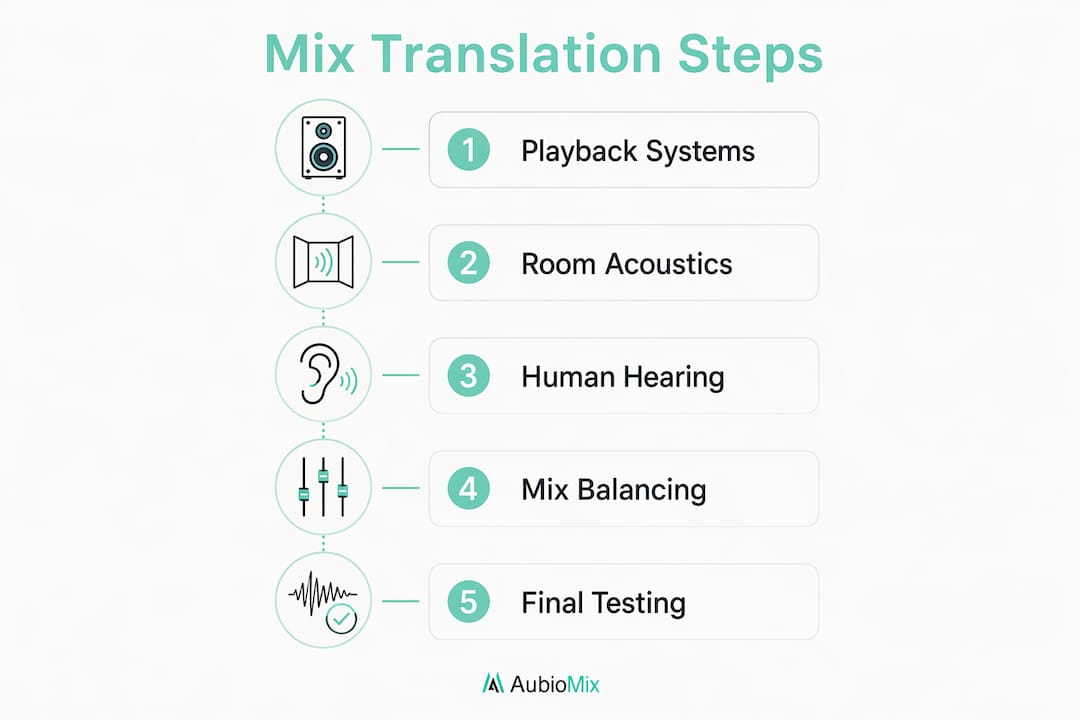
Your mix sounds different on every speaker system because each playback chain physically reshapes the audio before it reaches anyone's ears. The file never changes. The speakers, the room, and your own hearing do. Here is the short version of why:
- Every speaker system has its own frequency response, so the tonal balance of your mix shifts from one device to the next
- Rooms add reflections and resonances that exaggerate or cancel frequencies, especially in the low end
- Small consumer devices roll off deep bass and often collapse stereo to mono.
- Human hearing sensitivity changes with loudness, so a mix that sounds balanced loud can feel thin at low volume
- Midrange clarity (roughly 200Hz–5kHz) and mono compatibility are the two factors that determine whether a mix holds together everywhere
Understanding these causes is the first step toward making mixes that translate reliably, whether they end up on a club system, a phone speaker, or a pair of earbuds on the Tube.
Table of Contents
- How do playback systems and room acoustics shape your mix?
- Why does human hearing make mixes translate differently?
- How to balance mixes that hold together on any system
- Why do mixes fail to translate, and how do you fix them?
- Expert tools and insights for better mix translation
- Key takeaways
How do playback systems and room acoustics shape your mix?
No two playback systems reproduce frequencies the same way. That is not a flaw in your mix. It is simply physics. A hyped consumer speaker lifts bass and treble. A laptop speaker has almost no low end. A car cabin shapes the sound with its own unpredictable resonances. Each one filters your mix differently before it reaches the listener's ears.
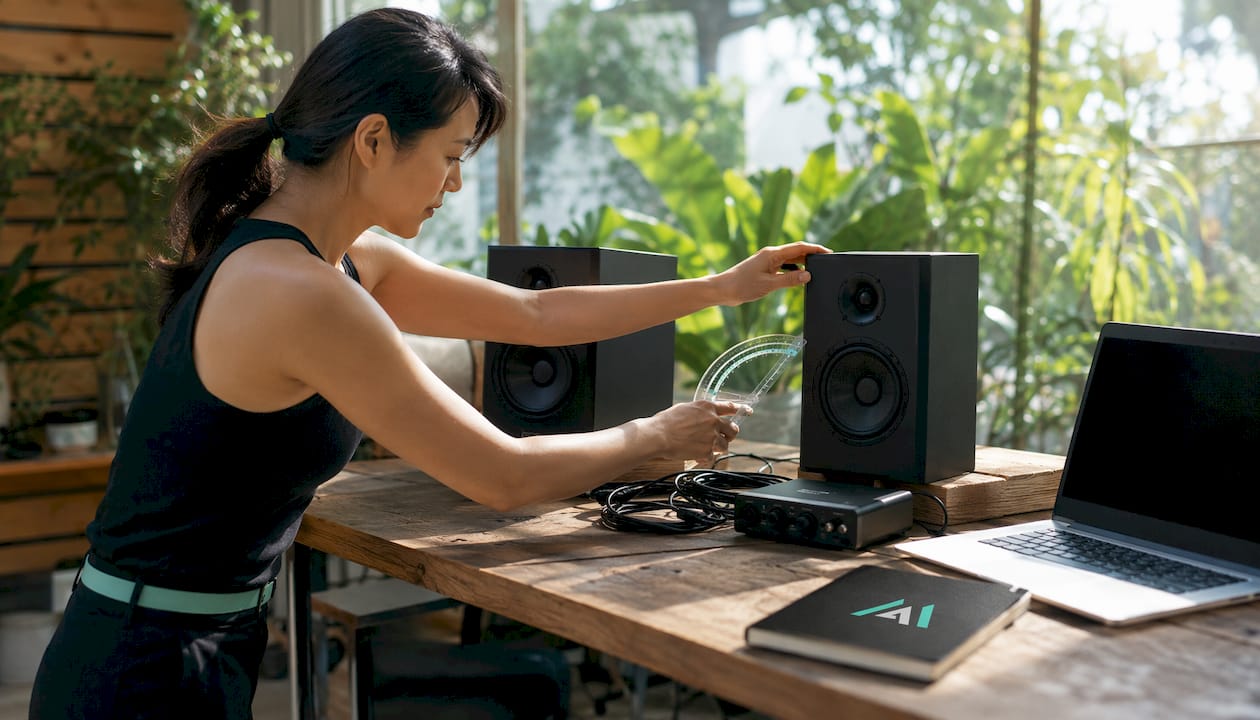
Bandwidth is just as important as frequency response. Many devices cannot reproduce the lowest or highest frequencies at all. Phone speakers roll off well above the bass region, so a kick and bass balance that sounds full on studio monitors can vanish or turn muddy when the low end is removed and only the upper harmonics remain. Bass presence on small speakers depends on harmonic content in the 100–200Hz region more than the fundamental frequency itself.
The room is arguably the most underestimated variable. It acts as an additional component in your playback chain, adding reflections that create comb filtering and frequency peaks and dips that distort what you actually hear. An untreated room produces standing waves, causing bass to build up unevenly below 300Hz. You hear 120Hz louder than it really is, so you cut it. Play the mix elsewhere and that frequency is already flat or thin. The room was lying to you the whole time.
Here is how the most common playback environments colour your mix differently:
- Studio monitors are tuned for detail, but most are not flat. "Extended highs" on many popular models means +3 to +5dB above 10kHz. You mix to that curve, and on a system with flat highs, your top end sounds dull.
- Headphones exaggerate stereo width and often boost detail in the upper midrange, making vocals and reverb feel cleaner than they are. They also remove the room entirely, so your brain loses the spatial cues it normally uses to judge balance.
- Car speakers typically emphasise 80–200Hz and roll off below 60Hz. If your low end lives below 80Hz, the car simply will not reproduce it. Low-mid buildup at 200–300Hz congests car speakers badly, which is why vocals can disappear behind a thick, murky low-mid cloud.
- Phone speakers strip away almost all sub-bass and collapse stereo to near-mono. What survives is the upper midrange and top end, so any harshness or brittle edges leap out with nowhere to hide.
Speaker placement matters too. Even a well-treated room can mislead you if your monitors are too far from the wall, angled incorrectly, or sitting on a reflective desk surface. Getting your room set up properly before worrying about plugins is always the smarter investment.
Why does human hearing make mixes translate differently?
Your ears are not a flat measurement device. Hearing sensitivity changes with both frequency and loudness, and that has direct consequences for every mixing decision you make.

The Fletcher-Munson curve, formalised as the equal-loudness contours, shows that at lower listening levels the ear perceives bass and treble as quieter relative to the midrange, affecting tonal perception. At high volumes, bass and treble feel more prominent. The same mix therefore sounds tonally different loud and quiet, which is why a mix that feels full and punchy at high studio volume can sound thin and lifeless at low volume on a phone.
The practical implication is straightforward. Mixing at around 75dB SPL keeps your perception of bass and treble relatively balanced and reduces ear fatigue. Louder than that and the low end sounds artificially full, tempting you to cut bass that is not actually excessive. A free SPL meter app on your phone is all you need to calibrate this.
Midrange frequencies, roughly 200Hz–5kHz, are the most reliably perceived range across all listening levels and all playback systems. This is where the human ear is most sensitive. Vocals, snare, guitars, and the fundamental body of most instruments live here. A mix that is clear and balanced in this range will communicate its emotional intent even when bass and treble are partially lost to a small speaker or a noisy environment. Conversely, a mix that relies on sub-bass weight or wide stereo imaging for its impact will fall apart the moment those elements are removed.
How to balance mixes that hold together on any system
Getting consistent translation is not about finding the perfect speaker. It is about building habits that account for the variables you cannot control. Here are the core practices that make the biggest difference.
Maintain midrange clarity above everything else. The 200Hz–5kHz range is the universal zone. Vocals, lead instruments, and the groove of a track all live here. If your midrange is muddy or cluttered, no amount of sub-bass weight will save the mix on a phone speaker.
Keep low frequencies mono. Low frequencies below roughly 120–150Hz should be centred to maintain mono compatibility. Wide stereo elements with phase issues cancel when summed to mono, causing synth pads, doubled vocals, and bass elements to vanish or shift in level. Many real-world systems, from phone speakers to club PA rigs, sum to mono or close to it.
Use level-matched reference tracks throughout the session, not just at the end. A reference track shows you what a finished professional mix sounds like in your room, on your monitors. Without one, you are making relative decisions based on what feels right, and what feels right is heavily influenced by your room and your ears on that particular day. The benefits of using reference tracks go well beyond simple comparison.
Check on multiple systems throughout the process. Not once at the end. Throughout. A practical multi-system checklist looks like this:
- Studio monitors for primary mixing decisions
- Open-back headphones for detail work and stereo image checks
- Consumer earbuds or Bluetooth headphones to hear what most listeners will hear
- A phone speaker at low volume as the worst-case test
- A car system if accessible, for catching low-end problems and harshness
Control stereo width and phase relationships. Run a correlation meter on your stereo bus. Readings below zero indicate phase cancellation on mono systems. Narrow the stereo width on your bass bus to 0% and check kick and bass channels individually.
Pro Tip: Use a spectrum analyser on your mix bus alongside your reference track at the same time. Look for where your mix deviates by more than 3dB across the spectrum. That deviation is usually your room influencing your decisions, not a problem in the mix itself.
Why do mixes fail to translate, and how do you fix them?
Most translation problems come from a handful of predictable causes. Recognising them early saves hours of frustration.
-
Uncontrolled room bass buildup. Standing waves cause bass frequencies to stack up in corners and at certain distances from walls. You hear a frequency louder than it is, cut it, and the mix sounds thin everywhere else. The fix is physical: bass traps in your corners. Even modest rigid fibreglass panels can flatten the response meaningfully in the 200–350Hz range. Do not reach for a room correction plug-in until you have done the physical work first.
-
Excessive stereo width. A wide, exciting stereo image in headphones can collapse badly when summed to mono. If your correlation meter reads below zero on the stereo bus, pull the width back. Check your mix in mono before you call it done. If it falls apart, you have phase issues or over-wide low end.
-
Overreliance on sub-bass. Studio monitors often reveal sub-bass more generously than consumer speakers, which struggle to reproduce very low frequencies. A kick and bass that feel powerful on monitors can vanish entirely on a phone. The solution is to build bass energy in the 80–150Hz range where harmonics survive small speakers, rather than relying on sub-bass fundamentals that most devices cannot reproduce.
-
High-frequency harshness on earbuds. Many consumer earbuds boost the 8–12kHz range by design. If your mix has boosted highs from a hyped monitor, those frequencies will sound harsh and fatiguing on earbuds. A gentle cut of 2–3dB at 6–8kHz on the master bus often resolves this without dulling the overall top end.
Recognising the red flags in your mix early, before you are deep into a session, is what separates a mix that translates from one that only sounds good in one room. Frequency masking between competing instruments is another common culprit; a cluttered midrange makes frequency masking issues far worse across different playback systems.
Expert tools and insights for better mix translation
Room acoustics act as an additional playback system component, and their influence on mixing decisions is as significant as the speakers themselves. Untreated reflections alter the frequency response you perceive and mix into your tracks, meaning every decision you make is filtered through the room's character before it reaches your ears. Treating the room is not optional if you want reliable results.
DSP tuning adds another layer of complexity. Manufacturers apply different processing philosophies based on their target use case, and two devices with identical hardware specifications can produce radically different audio output. A conservative DSP approach preserves dynamics but sounds quieter. An aggressive loudness tuning increases impact but flattens depth. These differences are beyond your control as a mixer, which is precisely why building your mix around midrange clarity and mono compatibility is the professional approach.
The professional consensus is clear: successful mix translation hinges on preserving the emotional intent of the music through midrange clarity. When the 200Hz–5kHz range is balanced and clear, listeners perceive the track's energy and character even when bass or treble are partially lost to a small speaker or a noisy environment. That is the target. Not a mix that sounds identical everywhere, but one that holds together and communicates everywhere.
Pro Tip: Before you bounce any mix, run a quick translation checklist: mono check, small speaker test, headphone check, reference track comparison at matched levels. Five minutes of checking saves hours of revision.
Aubiomix is built for exactly this stage of the process. Upload your mix and get detailed, specific feedback on your frequency balance, stereo imaging, mono compatibility, and overall translation, with clear steps on what to adjust and why. It is the kind of honest, fast feedback that used to require booking a session with a professional engineer. You can also explore professional mix analysis to see how hit records score across these same criteria.

Ready to hear your mix the way the rest of the world will? Upload your track to Aubiomix and get pro-level feedback in minutes, so you can fix translation problems before they reach your listeners.
Key takeaways
Every mix sounds different across playback systems because frequency response, room acoustics, mono compatibility, and hearing sensitivity each reshape what reaches the listener, and the only reliable fix is accurate monitoring combined with disciplined multi-system checking.
| Point | Details |
|---|---|
| Room acoustics mislead you | Untreated rooms add low-mid buildup below 300Hz, causing you to cut frequencies that are not actually excessive. |
| Midrange is the universal zone | The 200Hz–5kHz range is reproduced by every playback system; clarity here determines whether a mix translates. |
| Keep low end mono | Everything below 120–150Hz should be centred to prevent phase cancellation on mono playback systems. |
| Check on multiple systems | Test on studio monitors, headphones, consumer earbuds, a phone speaker, and a car system throughout the session. |
| Mix at around 75dB SPL | This level falls within the Fletcher-Munson sweet spot where bass and treble perception is most balanced and reliable. |