
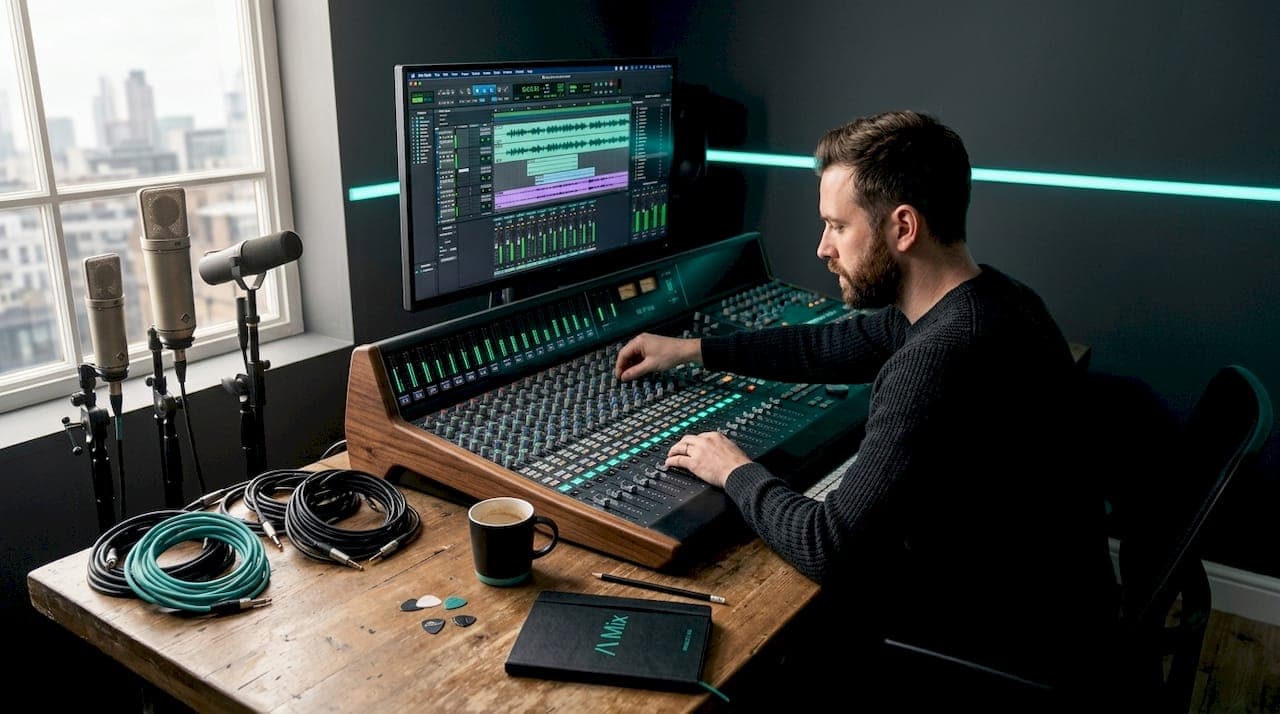
Audio mixing is the process of combining multiple recorded tracks into a single, cohesive final mix by balancing levels, panning, EQ, compression, and effects. It is the stage in music production where raw recordings are shaped, polished, and transformed into something that genuinely sounds like a finished song. Whether you are working in a professional studio or producing tracks at home, understanding audio mixing is the single most important skill you can develop to close the gap between amateur recordings and professional results. Tools like Ableton Live, Logic Pro, and Pro Tools all provide the environment where this craft comes to life.
What is audio mixing and how does it work?
Audio mixing is defined as the process of combining multiple recorded tracks into one cohesive final mix through balancing levels, panning, EQ, compression, and effects. Think of it like conducting an orchestra. Every instrument has a role, a position, and a volume, and your job as the mix engineer is to make sure every element serves the song without stepping on anything else.
The mixing process follows a logical sequence. You begin by setting the relative volume of each track using faders, then position sounds across the stereo field using panning, and finally apply processing tools like EQ, compression, reverb, and delay to shape tone and add dimension. This order matters because each decision builds on the last.
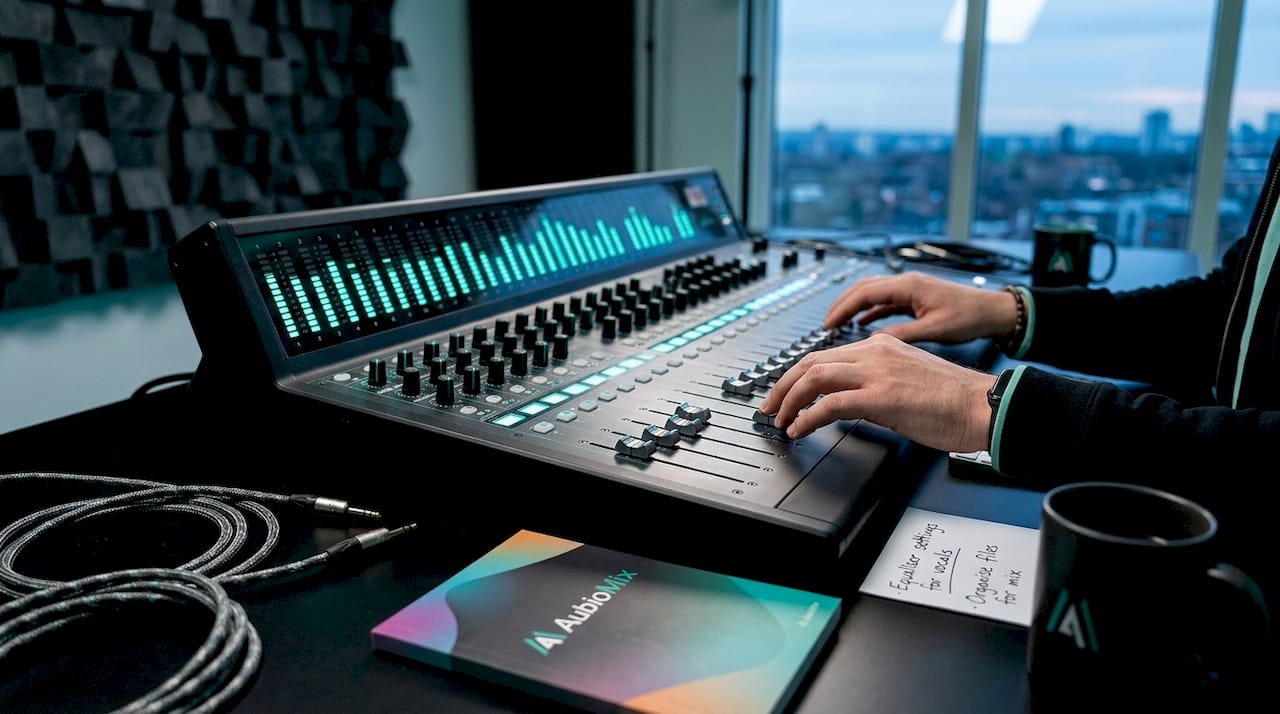
Mixing consoles take multiple audio inputs and modify them through volume summing, panning, EQ, compression, and routing to produce combined output signals. In modern production, digital audio workstations (DAWs) like Logic Pro, Ableton Live, and Pro Tools replicate this functionality in software, giving producers access to the same signal flow on a laptop that once required a room full of hardware.
Signal flow is the backbone of the whole process. Audio travels from individual tracks through channel strips, into buses or submixes, and finally to the master output. Understanding this routing structure, and keeping your gain staging clean at every stage, prevents the mix from becoming cluttered or distorted before you have even touched an effect.
Pro Tip: Build a rough static balance first. Set all your faders to a sensible starting level before touching a single plugin. This gives you a stable foundation and stops you chasing problems that do not yet exist.
The core tools you will use
- Faders and automation control the volume of each track over time, letting you ride levels dynamically throughout the song.
- Panning controls place sounds anywhere from hard left to hard right in the stereo field.
- EQ (equaliser) shapes the tonal character of each track by boosting or cutting specific frequency ranges.
- Compression reduces the dynamic range of a signal, making quiet parts louder and loud parts more controlled.
- Reverb and delay add space, depth, and a sense of environment to otherwise dry recordings.
How do audio mixing techniques enhance clarity and musicality?
The real craft of mixing lies in how you use each tool to serve the song. Knowing what EQ, compression, and spatial effects do individually is one thing. Knowing when and why to reach for each one is what separates a good mix from a great one.
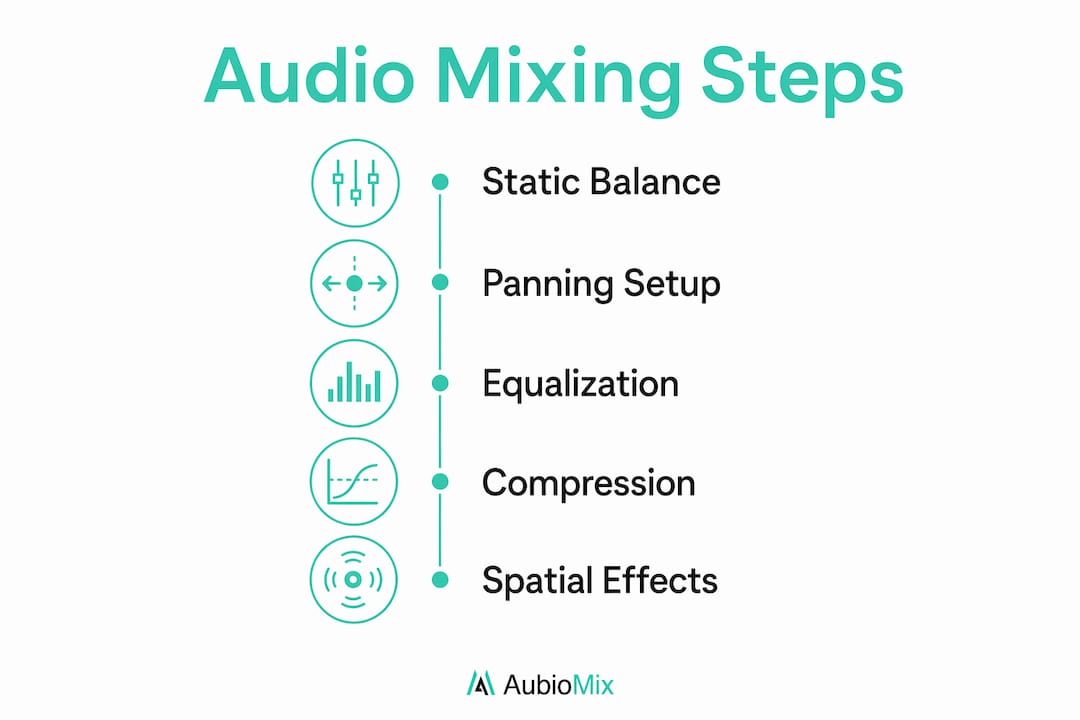
EQ is your primary tool for frequency balancing. Every instrument occupies a range of frequencies, and when multiple instruments share the same range, they compete for space and create what engineers call "mud." Cutting interfering frequencies rather than always boosting is a technique that keeps the mix transparent and open. A low cut on a guitar track, for example, clears space for the kick drum and bass to breathe without the listener ever noticing the cut was made.
Compression manages dynamics by reducing dynamic range and increasing presence, while EQ removes interfering frequencies and shapes tone across different frequency bands. Together, these two tools form the foundation of almost every professional mix. A snare drum with well-set compression feels punchy and controlled. Without it, the same snare can sound inconsistent and weak.
Panning is one of the most underused tools by beginners. Placing instruments at different positions across the stereo field creates width, separation, and clarity. A common approach is to keep the kick, bass, and lead vocal centred, then spread guitars, synths, and backing vocals outward. This gives each element its own space without the mix feeling cluttered.
- Use high-pass filters on most non-bass instruments to remove low-frequency rumble that adds mud without adding warmth.
- Apply compression to drums and bass first, as these elements form the rhythmic and tonal foundation of the mix.
- Use reverb sends rather than inserting reverb directly on individual tracks. This keeps the effect consistent and saves processing power.
- Avoid over-processing. Every plugin you add changes the signal, and too many changes in the same direction can make a mix sound unnatural and fatiguing.
- Reference your mix against professional recordings regularly to keep your ears calibrated.
Pro Tip: Step away from the mix for 20 minutes and listen back with fresh ears. You will hear problems you completely missed while you were deep in the session.
What role does spatial mixing play in modern audio production?
Spatial mixing is the practice of placing sounds not just left and right, but also forward, backward, and in some formats, above and below the listener. It is one of the most exciting developments in modern audio mixing, and it is far more accessible to hobbyists in 2026 than it was even five years ago.
Immersive mixing uses motion-based panning techniques including macro motion for large, noticeable movements and micro motion for subtle shifts that add presence without obvious volume changes. Macro motion might mean a synth pad sweeping from left to right during a chorus. Micro motion might mean a slight, almost imperceptible movement on a background vocal that keeps it feeling alive without drawing attention to itself.
Formats like Dolby Atmos have brought height channels into the mix, allowing producers to place elements above the listener for a genuinely three-dimensional sound experience. Apple Music and Tidal now support Atmos mixes, which means spatial audio is no longer a niche format reserved for cinema. It is a real consideration for music producers releasing music today.
Spatial placement of background vocals in surround and height layers reduces masking and increases clarity and emotional scale. This is a practical technique, not just a creative flourish. When background vocals are spread into the spatial field rather than stacked in the centre, the lead vocal gains presence and the whole mix feels larger.
| Technique | What it does | Best used for |
|---|---|---|
| Macro motion panning | Creates large, noticeable sweeps across the stereo or spatial field | Transitions, build-ups, and dramatic effects |
| Micro motion panning | Adds subtle, almost imperceptible movement to a sound | Background elements, pads, and ambient textures |
| Height channel placement | Positions sounds above the listener in Dolby Atmos | Reverb tails, atmospheric layers, and spatial depth |
| Surround placement | Spreads sounds behind and around the listener | Immersive formats and cinematic productions |
How to build an effective mixing workflow and avoid beginner mistakes
A good mixing workflow is not about working faster. It is about working in the right order so that each decision you make is based on accurate information rather than a moving target.
Building a rough static balance before applying EQ and compression maintains mix stability and reduces time wasted chasing performance changes caused by processors. This is one of the most practical habits you can build. Set your faders, get a rough balance that sounds musical, and only then start reaching for plugins.
Editing is distinct from mixing. Editing involves trimming, aligning, and cleaning up individual tracks. Mixing blends all tracks holistically. Confusing the two leads to misdirected effort. Finish your editing before you open a single plugin on your mix bus.
Here are the most common mistakes beginners make, and how to avoid them:
- Mixing at too high a volume. Loud mixes sound impressive in the moment but fatigue your ears quickly and lead to poor decisions. Mix at a conversational volume and check loudly occasionally.
- Over-EQing. Cutting 12dB from a frequency because it sounds bad is usually a sign the problem is in the recording, not the mix. Small, surgical cuts are almost always more effective.
- Ignoring mix translation. A mix that sounds balanced on studio monitors may fail on other playback devices. Check your mix on headphones, phone speakers, and a car stereo before calling it done.
- Skipping gain staging. If your tracks are hitting the channel strip too hot, every plugin you add will behave unpredictably. Keep your input levels healthy and consistent.
- Mixing without a reference track. Your ears adapt to whatever they hear. A reference track keeps you honest about where your mix sits relative to professional standards.
For a deeper look at managing your session structure, the mix engineering workflow guide from Aubiomix covers current best practices in detail.
What is the difference between mixing and mastering?
Mixing and mastering are distinct stages in the production chain, and confusing them is one of the most common misconceptions beginners carry into their first sessions.
Mixing combines and balances individual tracks into a final mix, while mastering polishes that final mix for distribution and consistency across playback systems. Mixing is about the relationship between elements within a song. Mastering is about the relationship between that song and every other song on an album or playlist.
| Stage | Primary goal | Tools commonly used |
|---|---|---|
| Mixing | Balance and blend individual tracks | EQ, compression, reverb, panning, automation |
| Mastering | Polish and prepare the final mix for release | Limiting, stereo widening, multiband compression |
A common misconception is that mastering can fix a bad mix. It cannot. Mastering works on the stereo output of your mix as a single file, which means it has no access to individual tracks. If the bass is too loud or the vocals are buried, mastering cannot correct that. The mix must be right before mastering begins. For producers who want to handle both stages efficiently, the guide on mixing and mastering together offers practical strategies for managing both in a single session.
Key takeaways
Audio mixing is the craft of balancing levels, panning, EQ, compression, and spatial placement to transform raw recordings into a polished, professional-sounding final mix.
| Point | Details |
|---|---|
| Start with a static balance | Set all faders before touching plugins to build a stable mix foundation. |
| Use EQ and compression together | EQ shapes tone and removes mud; compression controls dynamics and adds presence. |
| Spatial placement adds clarity | Panning and spatial techniques reduce masking and give each element its own space. |
| Mixing and mastering are separate | Mixing balances tracks; mastering polishes the final stereo output for release. |
| Test mix translation | Check your mix on multiple playback systems to catch problems before release. |
The honest truth about learning to mix
I have spoken with hundreds of producers who felt overwhelmed the first time they opened a mix session with 40 tracks staring back at them. The honest truth is that mixing does feel complex at first, and that feeling is completely normal. But here is what I have found after years of working with mixes at Aubiomix: the producers who improve fastest are not the ones who learn every plugin. They are the ones who master the fundamentals first.
Levels, panning, and a clean gain structure will take you further than any expensive plugin. Once those fundamentals are solid, EQ and compression start to make intuitive sense, and spatial techniques become genuinely exciting rather than intimidating. The other thing I would say is that critical listening is a skill you have to practise deliberately. Sit with records you love and ask yourself where the snare sits in the stereo field, how much reverb is on the lead vocal, and whether the bass is centred or has some width to it. That kind of active listening builds your ear faster than any tutorial.
Mixing is both a technical craft and a creative art. The technical side gives you control. The creative side gives you a voice. You need both, and neither one develops without experimentation and honest feedback.
— AubioMix
Get professional feedback on your mixes with Aubiomix
If you want to know exactly what is working in your mix and what needs attention, Aubiomix gives you objective, professional-level feedback in minutes. Upload your track and receive a detailed evaluation covering balance, frequency content, dynamics, and spatial placement, all benchmarked against real hit records.

Whether you are mixing your first track or your fiftieth, having a second set of ears that never gets tired and never pulls its punches is genuinely useful. Aubiomix uses a structured evaluation framework to assess your mix against the same criteria professional engineers use, so you always know where you stand and what to work on next. Get your mix reviewed and start making faster, more confident progress today.
FAQ
What does audio mixing mean in music production?
Audio mixing is the process of combining multiple recorded tracks into a single cohesive final mix by balancing levels, panning, EQ, compression, and effects. It is the stage where individual recordings are shaped and blended into a finished, professional-sounding song.
What is the best software for audio mixing?
Logic Pro, Ableton Live, and Pro Tools are the most widely used DAWs for audio mixing, each offering a full suite of mixing tools including EQ, compression, reverb, and automation. The best choice depends on your workflow, budget, and operating system.
How is mixing different from mastering?
Mixing balances and blends individual tracks into a final stereo mix, while mastering polishes that stereo file for distribution and playback consistency. Mastering cannot fix problems in the mix because it works on the combined output, not the individual tracks.
How do I start learning audio mixing as a beginner?
Start by setting a rough static balance with faders before adding any effects, then apply panning to create separation, and finally use EQ and compression to shape tone and dynamics. Referencing your mix against professional recordings and testing on multiple playback systems are two habits that accelerate progress significantly.
What is panning in audio mixing?
Panning is the process of placing a sound at a specific position in the stereo field, from hard left to hard right. It is used to create width, separation, and clarity by giving each instrument its own space in the mix.