
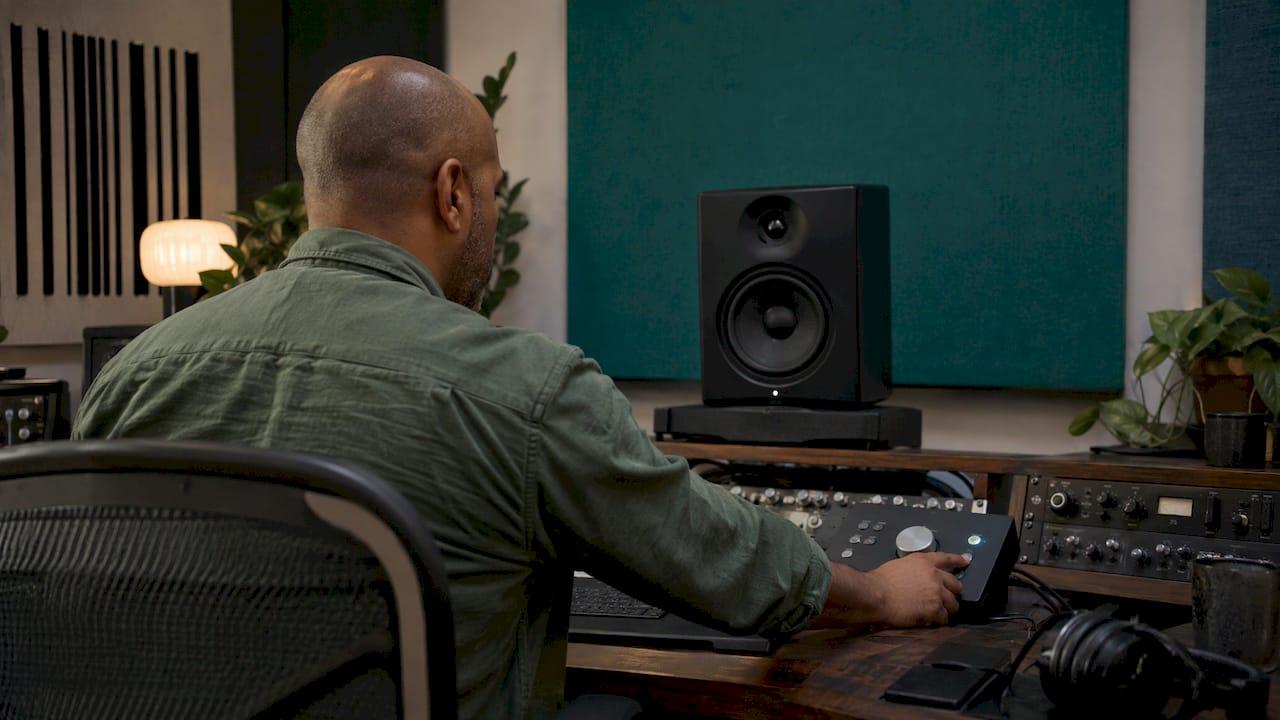
A mono mix analysis means folding your left and right channels into one, then listening and measuring to see what survives. Do it on a single speaker if you can, at matched loudness, and write down every element that gets thinner, quieter or buried. Those losses point you to phase problems, masking and balance issues that stereo width can hide. This guide shows you how I run the check, what to look for, and how to fix problems without squashing your stereo image.
TL;DR
- Mono shows you what stereo hides: phase cancellation, frequency masking, weak low end and uneven balance.
- Check on one speaker if possible, and level-match before you judge anything, because louder always sounds better.
- Ears lead and meters confirm: use a correlation meter or vectorscope to find the problem, then listen to decide whether it matters.
- Fix the offending element (a widener, a delay, a mic pair) rather than narrowing the whole master.
- Keep the routine short and repeatable, and run it during the mix, not only at the end.
Table of Contents
- Why a mono check belongs in every mix
- How to switch to mono properly
- Normalise before you analyse
- What to listen for in mono
- Visual versus audible analysis
- Fixing mono problems without losing width
- A five-minute mono routine you can repeat
- Our perspective on mono analysis
- Get a second opinion on your mono balance
- FAQ
- Sources
Why a mono check belongs in every mix
You might never intend anyone to hear your track in mono, but plenty of systems still fold it down. Portable radios, car FM radios on a weak signal and many clubs can be mono or close to it, and Hugh Robjohns of Sound on Sound calls checking that a mix works in mono a very sensible thing to do. The professional guide Recording Sound Like a Pro adds cheap TVs, phone speakers, alarm clock radios and shop ceiling speakers to the list of potentially mono playback systems.
That same guide makes a point worth remembering: when you switch from stereo to mono, the mix loses its width and collapses into a narrow centre image. That is expected. You are not listening for width, you are listening for significant changes in tone or balance. If the guitars vanish or the vocal sinks, you have found something to fix.
Mono is also a balance tool. Mike Senior of Sound on Sound notes that mono often makes masking more obvious, because it removes the helpful side-effect of stereo positioning. With everything stacked in the middle, two instruments fighting for the same frequencies have nowhere to hide.

How to switch to mono properly
There are three common routes:
- A mono button on your monitor controller or audio interface.
- A utility plug-in on your DAW's master channel that sums left and right.
- A single speaker, which is the one I recommend when you have the option.
Sam Inglis suggests using a single speaker for mono checks where possible, and there is a good reason. When you sum to mono and play it through a stereo pair, you are really hearing a phantom image halfway between the speakers. Julian Rodgers at Production Expert points out that this phantom source is 100% correlated, so it is vulnerable to problems in your monitoring system. Robjohns adds that the phantom image over-emphasises the bass and stimulates more room reflections, which can distract you and colour your judgement.
One placement tip: if you use a plug-in, put it on the master bus after any bus compression or limiting. That way you are auditioning the same summed signal a phone or Bluetooth speaker will produce, not a version that skips your final processing.
Mono check versus mono mixing
These are two different habits. A mono check is a quick toggle to see what survives. Mono mixing means building the balance while summed, which is harder. Robjohns explains that in mono you can only separate instruments through level and spectral content, so balance and EQ become a lot more critical. It feels tougher, but when a mix works in mono it is very obviously right. I like to flip between the two all through a session, rather than saving the check for the last hour.
Normalise before you analyse
Readers often ask how to normalise a mix for analysis. The short answer: match loudness, not peaks, and do it before you compare or judge anything.
There are two meanings of normalising. Peak normalisation raises the file until its highest sample hits a target, usually 0 dBFS, while loudness normalisation adjusts the average perceived level to a target. For analysis you want the second idea, because two files with the same peak can sit many decibels apart in perceived volume.
LUFS meters help here. Per iZotope's explanation on Production Expert, LUFS uses K-weighting and an integrated reading that covers the whole song, so it tracks what you hear far better than a peak meter does.
Here is the practical workflow:
- Measure the integrated LUFS of your mix and of your reference.
- Work out the difference. If your reference reads around -9 LUFS and your mix reads -14 LUFS, the gap is 5 dB.
- Turn the louder one down by that amount with a plain gain or utility plug-in. You are attenuating, not compressing.
- Check mono and stereo at that matched level.
Why bother? Our ears hear louder audio as having more bass, clarity and presence, so an unmatched reference will always seem to win. The same logic applies to mono: a summed signal can seem quieter or louder than the stereo version, and a level change can masquerade as a tonal problem. Match first, then trust your ears.
What to listen for in mono
Work through the mix in passes. Don't try to hear everything at once.
Pass one: level balance
Does the lead vocal still sit where you want it? Are the kick and bass in proportion? Mono forces you to focus on the tone and balance of each part and how they stack in the centre. BMI's guide gives a handy example: a beefy acoustic guitar fighting the bass can be eased by trimming its low end, by as much as a third or more, and lifting the mids a touch.
Pass two: masking
If the arrangement turns muddy, two or more parts are competing for the same frequency range. Stereo placement was covering for it. Solve it with EQ, level, or arrangement, then re-check.
Pass three: phase and comb filtering
A thin, weak or hollow sound often means two tracks in the same range are out of phase. Sage Audio describes this as comb filtering, and mono is where it shows up because the added dimension of stereo no longer masks the interference. A classic case is a double-tracked guitar or a multi-mic drum kit where the low end disappears when summed.
Warning signs worth writing down
MUED's pre-release check lists the symptoms I see most often:
- A lead vocal, snare or bass loses weight.
- A wide synth turns hollow or nearly disappears.
- Cymbals sound phasey and drop behind the mix.
- Reverbs or delays jump forward while the dry source recedes.
- The low end changes dramatically.
If you want a deeper walk through the topic, our guide to finding mono compatibility problems in under five minutes covers a fast version of this routine, and phase cancellation explained goes into why it happens.
Visual versus audible analysis
The question of eyes versus ears has a clear answer in practice: both, in the right order.
Julian Rodgers puts it well. Decisions should be guided by your ears first, with the analyser used to confirm and refine them. The exception is delivering to a loudness specification, where the meter is the authority.
| Tool | What it shows | What it cannot tell you |
|---|---|---|
| Your ears (mono and stereo) | Whether the mix feels right, what disappears | Exact levels, subtle phase drift |
| Correlation meter | Whether content is in or out of phase | Whether the cancellation matters musically |
| Vectorscope | Stereo spread and phase relationships | Which element is responsible |
| LUFS meter | Perceived loudness against a target | Tonal balance |
| Spectrum analyser | Frequency distribution | How instruments feel together |
The limits matter. MUED notes that a correlation meter or vectorscope can point to unstable width but cannot say whether the cancellation is musically important, and a brief wide effect may be fine while a disappearing lead is not. It also cannot replace listening to the actual downmix, because frequency-dependent problems can hide inside one summary number.
On the other side, meters catch what ears miss. Sam Inglis notes that a consistently negative reading on a phase correlation meter can flag problems that a quick mono check misses, such as a polarity inversion on one of two hard-panned guitars. And Sonarworks' Tiki Horea says reading a phase meter takes practice but is worth the effort.
For a closer look at the meters themselves, see our phase scope checklist and the piece on stereo imaging analysis with three meters and a mono check.
Fixing mono problems without losing width
The temptation is to narrow the whole mix. Don't. That gives up width everywhere to solve a problem in one place. The better move, as MUED advises, is to go back to the element causing the trouble and make a targeted change to a widener, a delay, a microphone pair or the side channel.
Start with the low end
Low frequencies carry the most energy and are the most vulnerable. A mid/side processor or utility lets you sum everything below a chosen frequency to mono. MusicRadar's walkthrough sets a Mono-Maker at 210 Hz, and pairs it with a high-shelf cut on the sides and a matching mid boost so the top end of the bass cuts through when summed. Your own crossover point depends on the material, so set it by ear and confirm on the meter.
Then go element by element
- Wide synths and pads: reduce the stereo widener amount or move the width to a different band.
- Stereo delays and reverbs: check the returns on their own in mono. If they jump forward, lower the send or tighten the width.
- Multi-mic sources: flip polarity on one mic and see whether the low end comes back. Our guide to three quick moves for phase alignment shows the sequence.
- Hard-panned doubles: check polarity and timing between the two sides.
If you use mid/side processing a lot, our list of common mid-side mixing mistakes will save you some trial and error, and what stereo width really is helps you decide how much you need.
Once you think a track is finished, run it through a mix approval checklist so the mono check sits alongside the other items you sign off before release.
A five-minute mono routine you can repeat
Here is the habit I'd suggest, built so you actually do it:
- Match levels. Set the mono and stereo versions to the same loudness.
- Listen once, in mono, through the whole chorus. Note the three biggest losses.
- Sort each loss into phase, arrangement or level.
- Fix one at a time, then toggle back to stereo to make sure the width still feels good.
- Glance at the meters for anything your ears missed.
- Re-check against a reference at matched loudness.
Change one thing, re-test, and move on. Stacking five fixes at once makes it impossible to tell which one helped. If you want a broader sweep of what else to examine, our practical guide to analysing a mix and the ten red flags that show a mix needs work are good next steps.
Our perspective on mono analysis
I've spent more than 20 years mixing records, and the pattern repeats: a mix that falls apart in mono usually has a problem you could also hear on a good set of monitors, if you knew where to point your ears. Mono is the fastest way to point them.
The trouble is that a mono check gives you a symptom, not a diagnosis. Your vocal got quieter, but is that phase, masking, or just a level shift from summing? That's where we built AubioMix to help. Our platform combines audio analysis with the real-world experience of our founder, a multi-award winning mix engineer, so the feedback reads like a practical to-do list rather than a pile of numbers.
Every report is designed to give you both subjective guidance and objective measurement, across 15+ areas of mixing and mastering, including phase, stereo width, frequency masking, loudness and device translation. We update the evaluation framework regularly to reflect current genre standards. The aim is simple: you upload a file, and you know what to change next.
Use your ears first, always. Then let a second opinion confirm what you heard and show you what you missed.
AubioMix
Get a second opinion on your mono balance
If you'd like a detailed read on where your mix stands before release, you can upload a file to AubioMix and get written and visual feedback with specific steps you can act on. A single Mix Review costs £4.99, and a Reference Pass is £2.99. If you mix regularly, the Professional plan is £19.99 per month and Professional + is £34.99 per month. See the pricing page for what each includes.
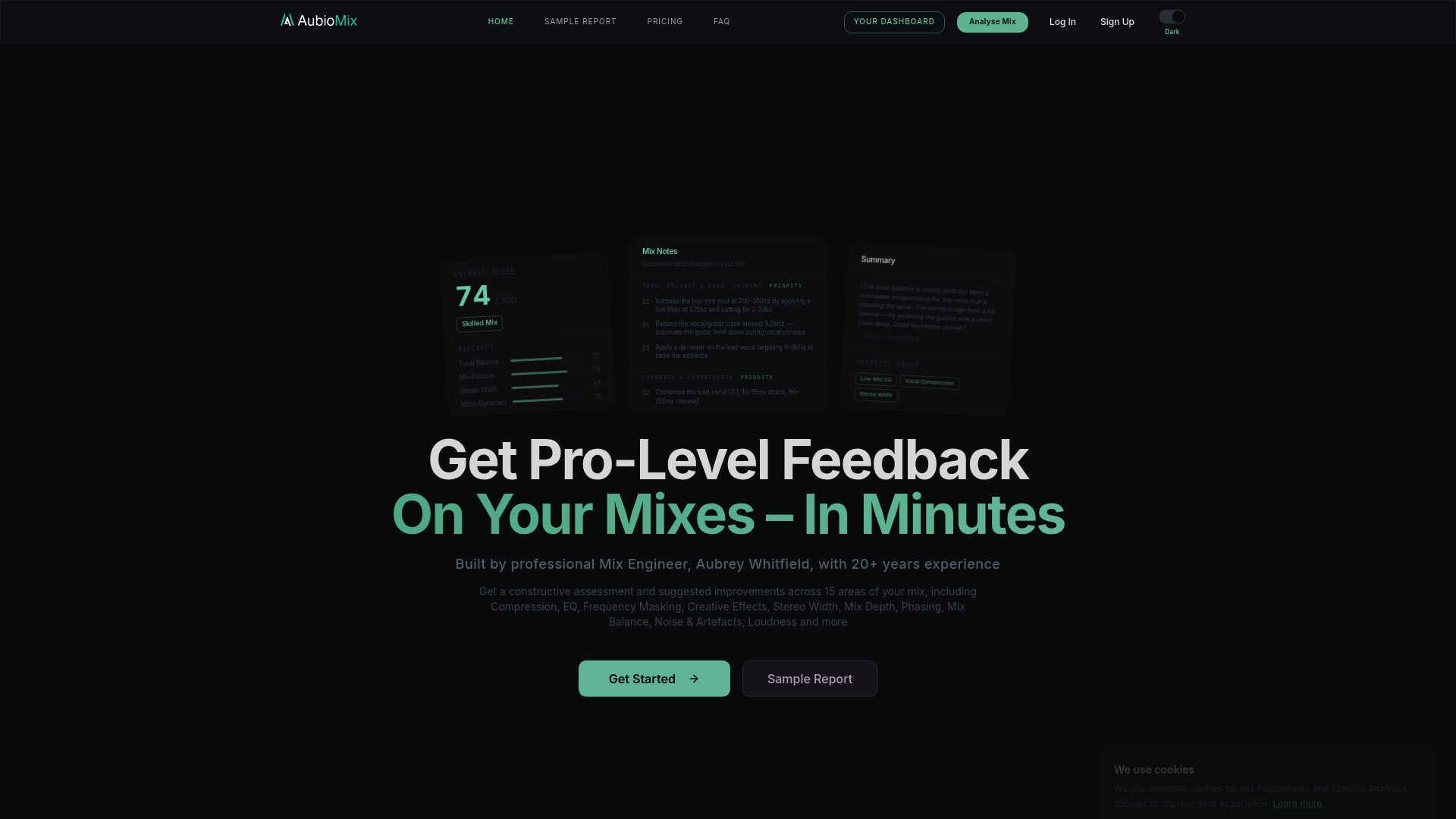
You can also see how a finished analysis looks in our breakdown of a hit record's mix, or read how we score in the evaluation framework.
FAQ
Should I mix in mono the whole time?
Not necessarily. Many engineers build in stereo and check mono regularly. Mono mixing makes balance and EQ decisions more critical, which is useful, but the most practical habit is to jump between mono and stereo throughout the session instead of only at the end.
How loud should I make a mix before analysing it?
Match it to whatever you compare it with. Measure integrated LUFS on both, then turn the louder one down by the difference with a gain utility. That keeps loudness from fooling you into thinking one version is tonally better.
Is it better to check mono on one speaker or both?
One speaker is better when you can manage it. A mono signal through a stereo pair becomes a phantom image that exaggerates bass and adds room reflections. A mono button or plug-in is still a fine quick check.
Can a meter replace listening in mono?
No. A correlation meter or vectorscope shows you where phase trouble might be, but it can't say whether it matters musically. Use it to confirm and refine what you hear, and listen to the actual downmix to decide.
Sources
- Q. Should I be mixing in mono? (Sound on Sound)
- Recording Sound Like a Pro (Routledge)
- Q. How can I locate the masking problems in my mix? (Sound on Sound)
- 10 Essential Mix Checks (Sound on Sound)
- The Best Way To Check Mono Compatibility (Production Expert)
- Audio normalization (Wikipedia)
- Learn How To Master For Streaming Platforms (Production Expert)
- The Merits of Mono (BMI)
- Use mono to check your mix (Sage Audio)
- Mono Compatibility and Phase: A Pre-Release Mix Check (MUED)
- Mixing With Eyes Or Ears (Production Expert)
- Fixing phase issues (Sonarworks)
- How to make a mix sound great in mono (MusicRadar)